Skip to content
Skip to product information
Description
Image de fond
Anycubic DIY Color Mix
Six Colors | Complete Kit | Unlimited Creativity


Introduction

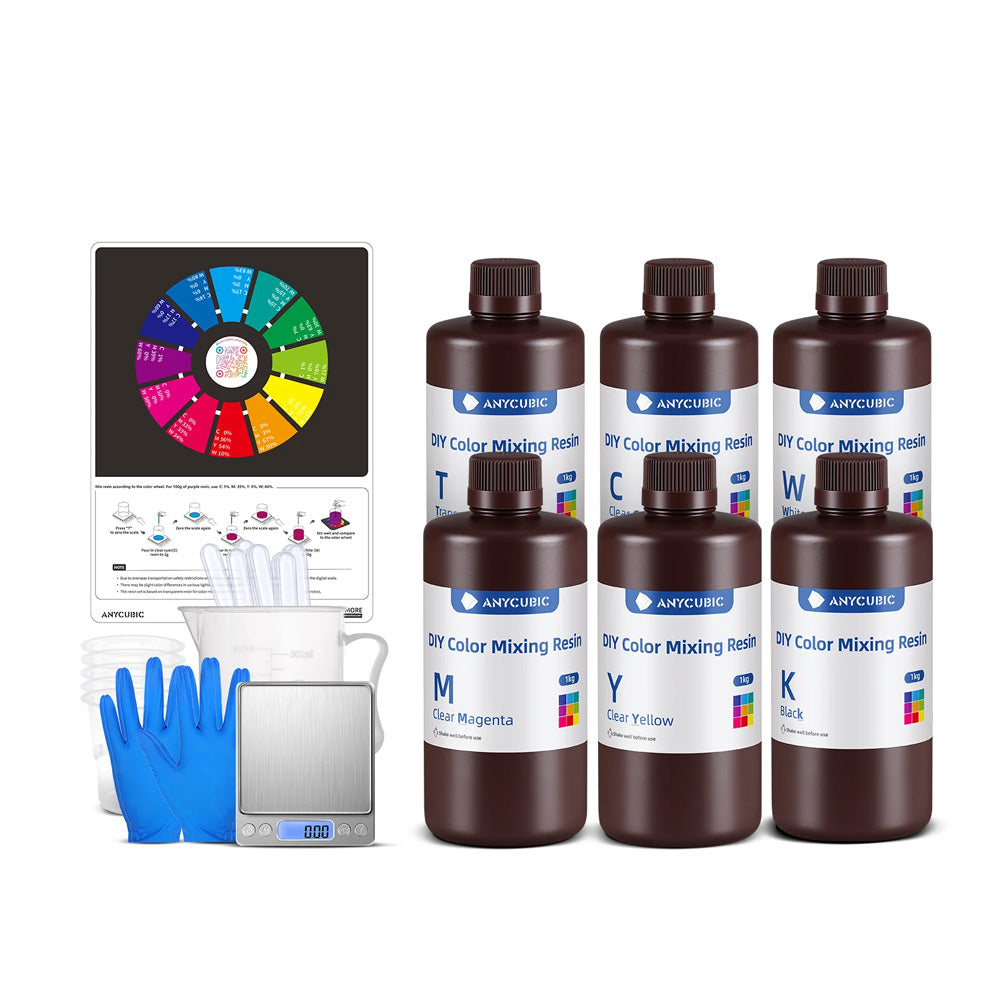
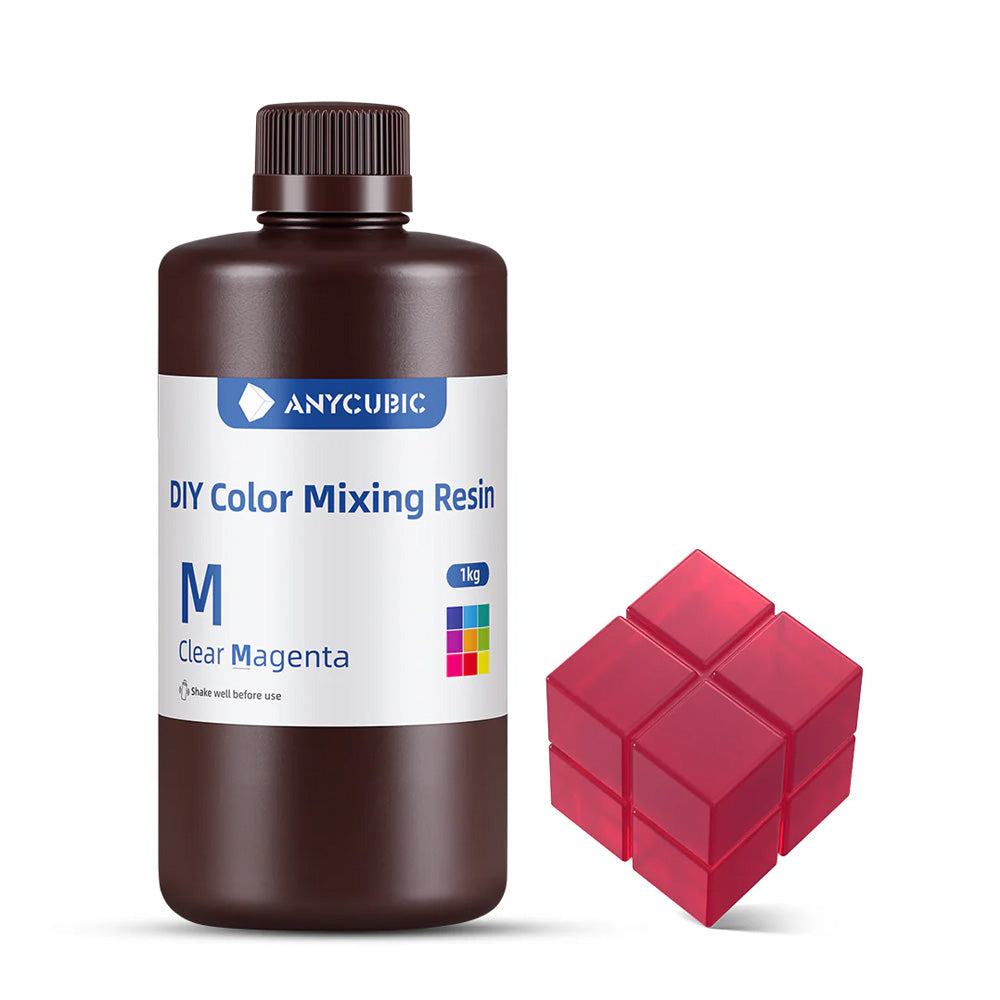
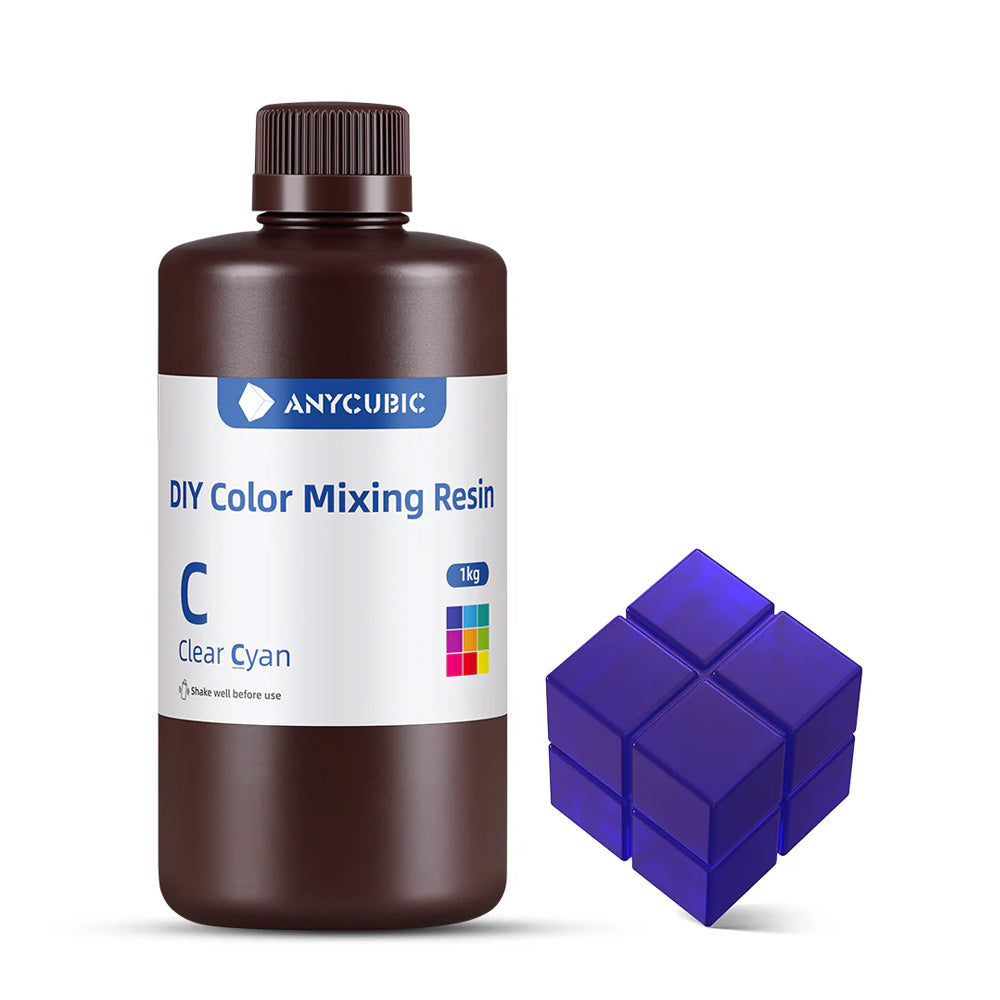
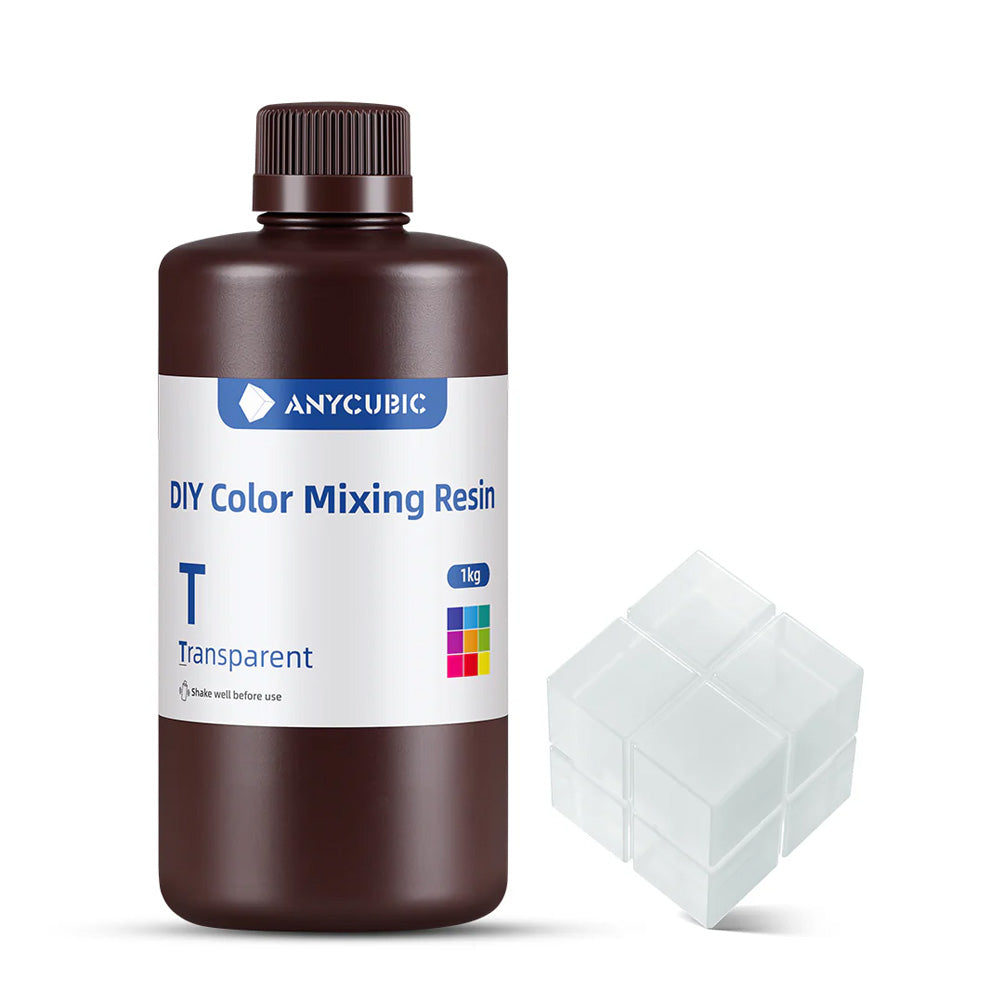
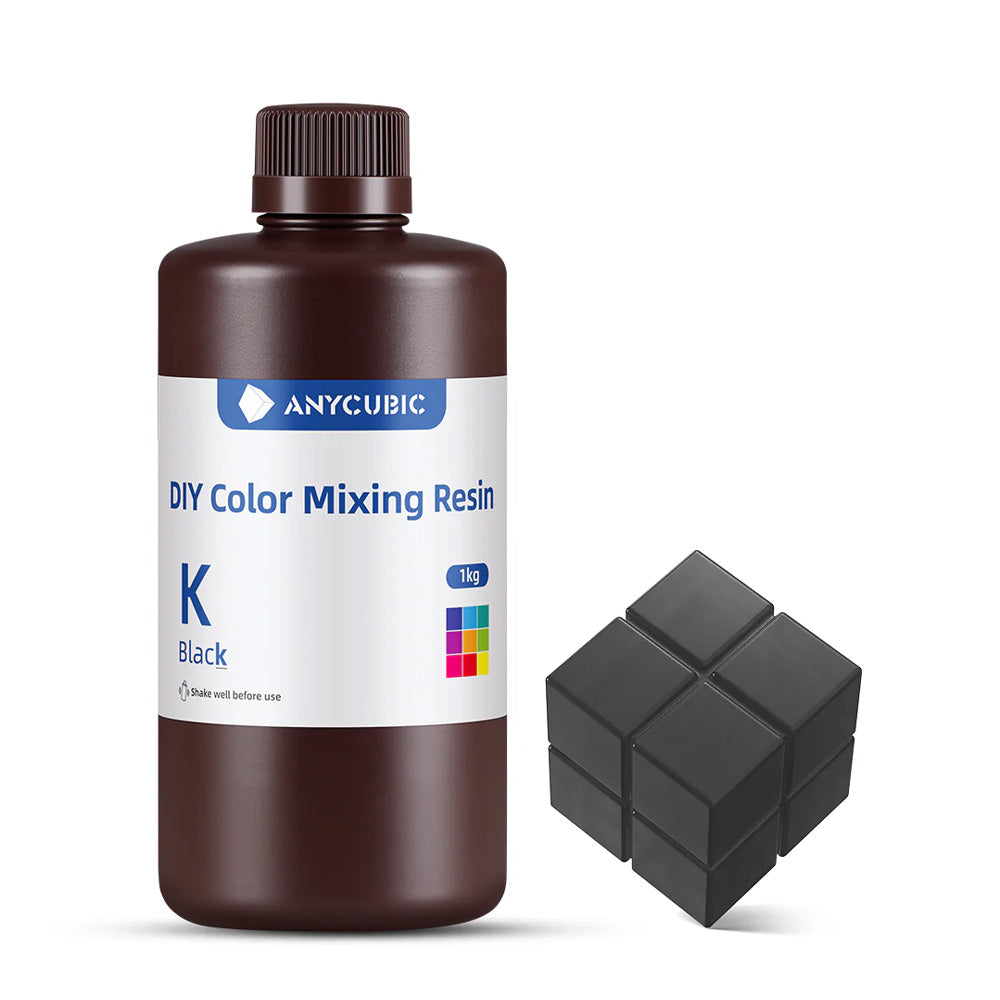
The DIY Color Mix Kit is a complete set of 6 bottles of base resin (6 x 1 liter), specially designed to allow you to create your own custom colors for resin 3D printing. Whether you are a professional, a creator, or a 3D printing enthusiast, this kit gives you the freedom to mix, measure, and experiment as you wish!


Included in the Kit

Produit 1
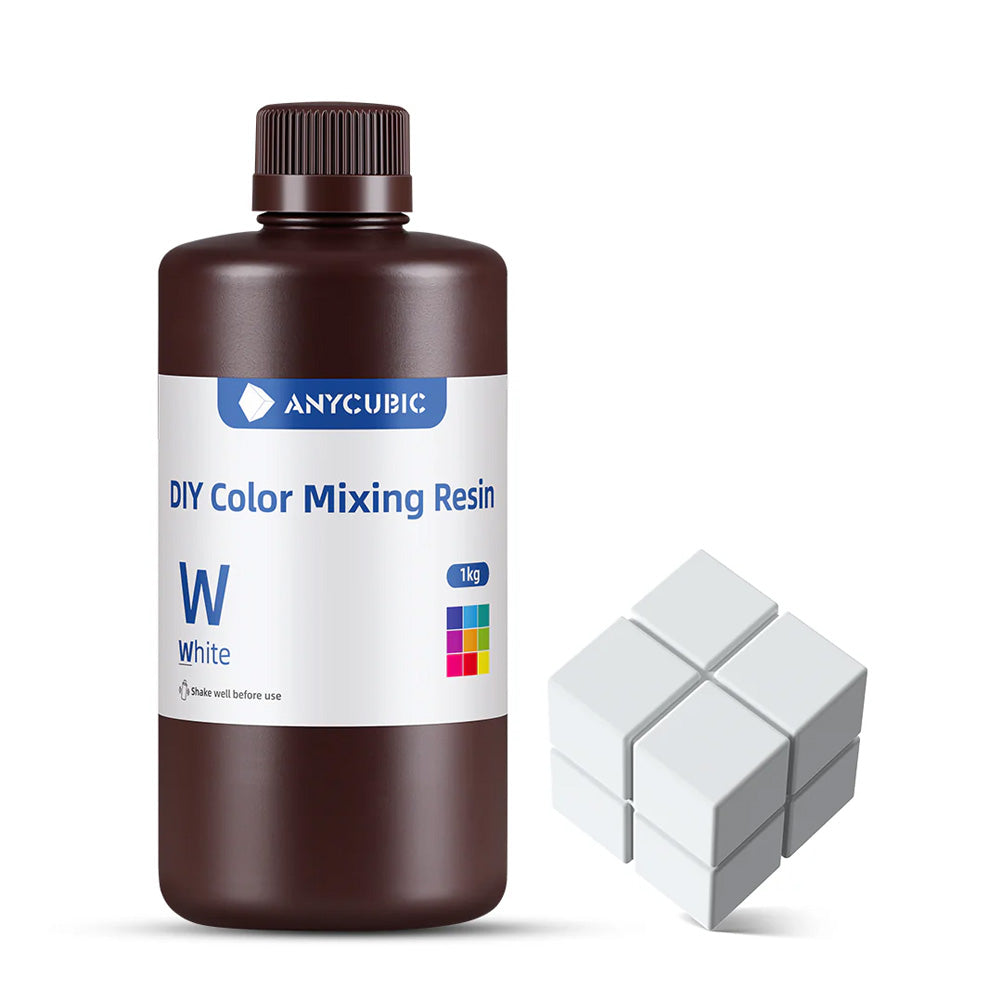
White
Produit 2
Black
Produit 3
Transparent
Produit 3
Magenta
Produit 3
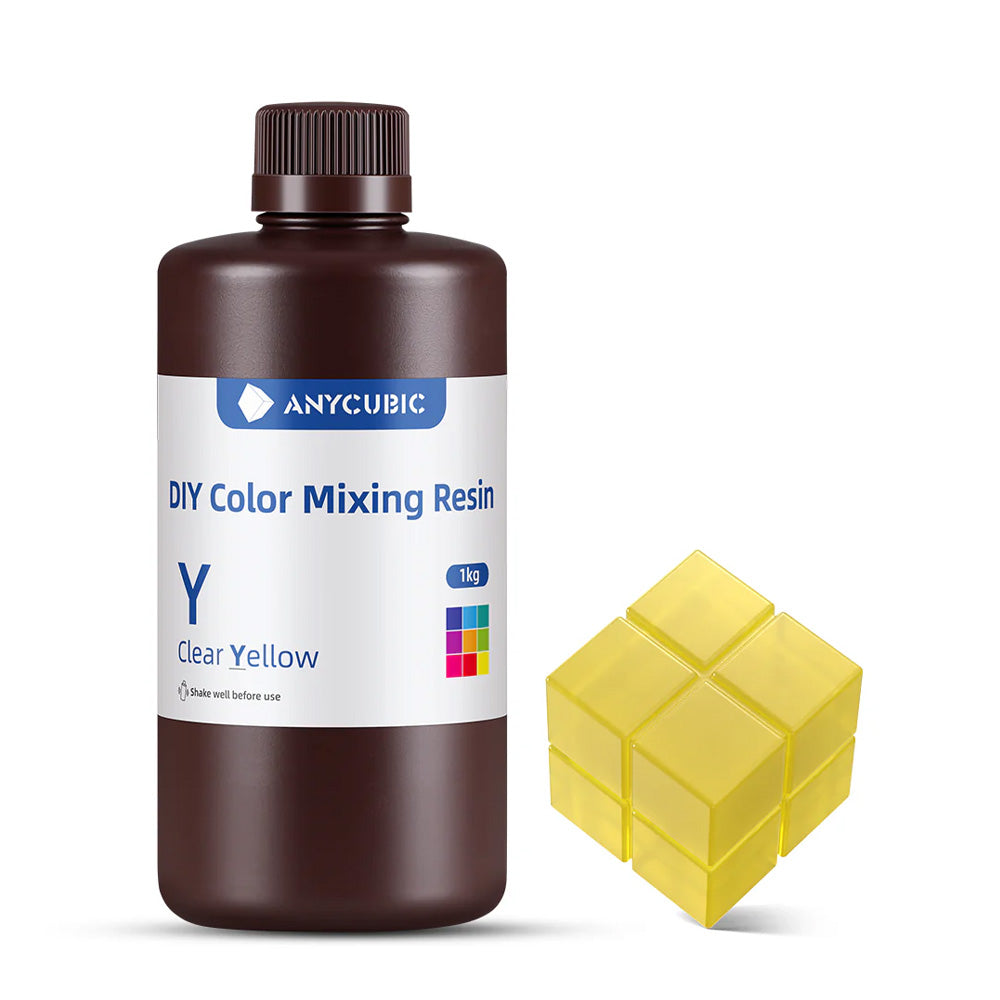
Yellow
Produit 3
Cyan
Produit 3
Mixing Kit


Other Anycubic Resin Ranges

Produit 1
Standard
Produit 2
ABS Like Pro 2
Produit 3
ABS Like V2 Water Washable
Produit 4
Tough 2.0
Produit 1
High Speed 2.0
Produit 2
Standard V2
Produit 2
Texture Resin

DIY Color Mixing Guide


1: Press "T" to zero the scale

2: Pour transparent cyan (C) resin up to 1 g

3: Zero the scale again

4: Pour magenta (M) resin up to 39 g

5: Zero the scale again

6: Pour white (W) resin up to 60 g

7: Stir well and compare with the color wheel

Filament Silk


CMYK Code Name Display CMYK Code Name Display
C0 M36 Y54 W10 Red

C0 M3 Y67 W30 Orange

C0 M0 Y75 W25 Yellow

C1 M0 Y78 W21 Light Green

C7 M0 Y63 W30 Green

C15 M0 Y15 W70 Cyan-Green

C17 M0 Y0 W83 Cyan

C14 M6 Y0 W80 Blue

C17 M17 Y0 W66 Dark Blue

C1 M39 Y0 W60 Purple

C0 M50 Y0 W50 Magenta

C0 M33 Y33 W34 Red

C=Cyan M=Magenta Y=Yellow W=White


Product Features


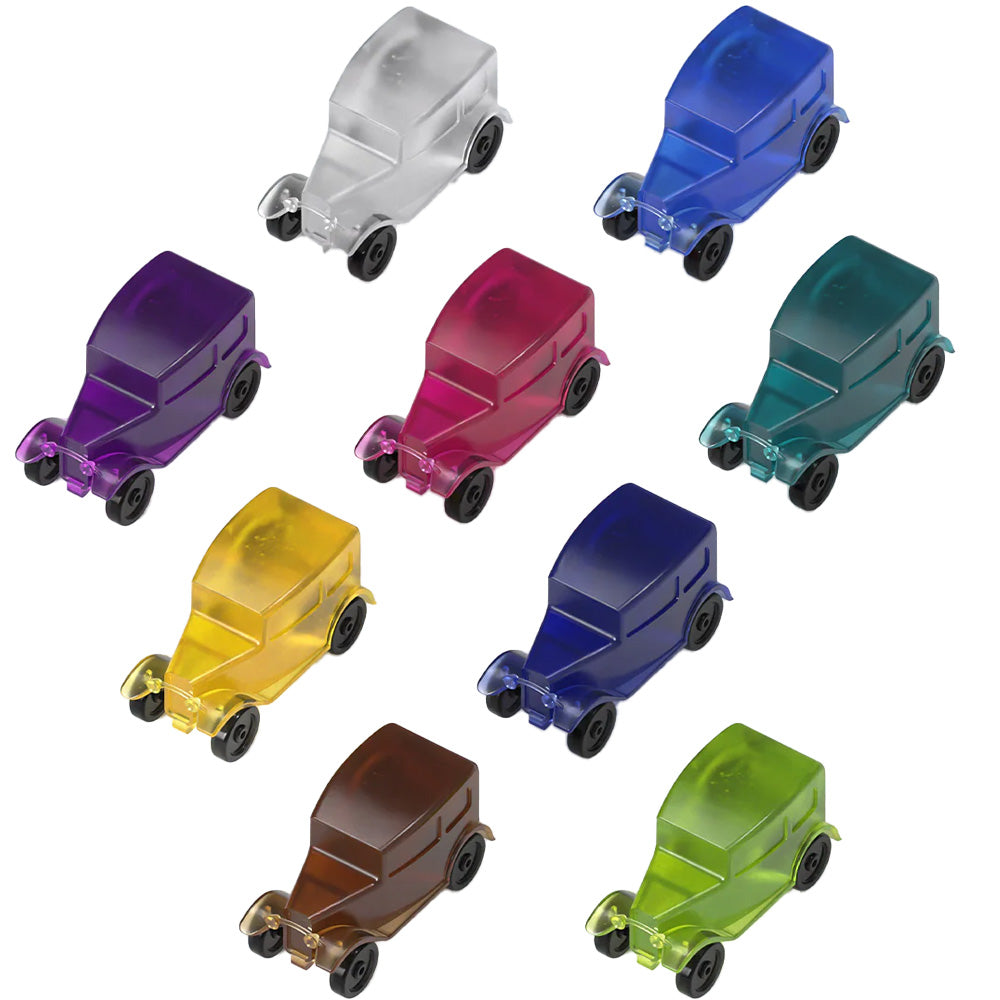
Create your own shades: mix different pigments to get unique and original colors
High precision: Perfectly captures the finest details for an ultra-realistic finish.
Total artistic freedom: ideal for creative projects, figurines, decorative or custom parts
Optimized curing: Formulated for balanced exposure time, ensuring finesse and strength.
405 nm compatible: Works with most LCD, SLA and DLP printers, such as Anycubic Photon, M3, M5, Mono X, etc.


Ideal Applications


🎨 Model making and figurines – Add realism to characters, scenery, and accessories.
🏺 Decorative objects – Create artistic pieces with original textures.
🔬 Prototypes and design – Experiment with different finishes without complex post-processing.
🦾 Technical parts with improved grip – Perfect for parts requiring a rough surface for better handling.


Image 1
Image 2


Resin Parameters


UV Wavelength 365-405nm Elongation at break 14-18%
Density 1.08-1.11g/cm³ Hardness 82HD
Lower exposure time 20-40s Tensile strength 42-57 MPa
Viscosity 250 Heat deflection temperature 60-65°C
Flexural strength 64-83MPa Flexural modulus 2040-2600 MPa
Normal exposure time 1.8-3s Shelf life 1.5 years


Printing Parameter Recommendations


Printer Model Layer Thickness Exposure Time Off Time Bottom Exposure Time Bottom Layers Anti-aliasing Level Z Lift Distance Z Lift Speed Z Retract Speed
Photon Mono M7 Pro 0.05mm 2s 0.5s 25s 3 1 8mm 6mm/s 6mm/s
Photon Mono M5s Pro 0.05mm 3.6s 0.5s 30s 5 1 8mm 6mm/s 6m/s
Photon Mono M5s 0.05mm 2.8s 0.5s 25s 5 1 8mm 6mm/s 6mm/s
Photon Mono M5 0.05mm 2.8s 0.5s 25s 5 1 8mm 6mm/s 6mm/s
Photon M3 Max 0.05mm 3s 2.5s 50s 6 1 10mm 2mm/s 3mm/s
Photon Mono X 6Ks 0.05mm 2.5s 0.5s 20s 5 1 8mm 2mm/s 3mm/s
Photon Mono X2 0.05mm 2.5s 0.5s 20s 5 1 8mm 2mm/s 3mm/s
Photon D2 0.05mm 2.5s 1s 28s 5 1 5mm 2mm/s 3mm/s
Photon M3 Premium 0.05mm 2.5s 0.5s 25s 2 1 8mm 6mm/s 6mm/s
Photon Mono 4K 0.05mm 2s 1s 40s 6 1 6mm 4mm/s 6mm/s
Photon Mono X 6K 0.05mm 2s 0.5s 23s 6 1 8mm 2mm/s 3mm/s
Photon M7 0.05mm 2.5s 1s 35s 4 1 8mm 6mm/s 6mm/s


Recommendation

For your safety, we recommend using gloves and a spatula when handling this product.

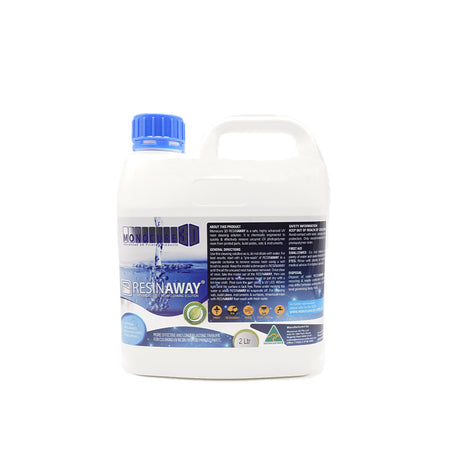
For cleaning your parts, prefer the product Resinaway or isopropyl alcohol.

Produit 1
Isopropyl Alcohol 99.9% "IPA" 1 Liter YUMI
Produit 2
Gloves
Produit 3
Silicone Spatula
Produit 4
MONOCURE RESINAWAY Cleaner 2L or 5L


Instructions for Use

(1) Before use:
Shake the liquid resin before use; Clean the resin tank and build platform to maintain the resin tank bottom’s light transmission.

(2) During use:
Unscrew the cap and add resin to the tank according to equipment requirements; Select the correct print settings and parameters for printing.

(3) After use:
After printing, please use the appropriate tools for post-processing, including a blade, diagonal pliers, tweezers, containers, gloves; a cleaning solution with ethanol (≥95%), lactate, or isopropyl alcohol;

(4) Post-processing steps:
A. Remove the printed model from the build platform with a blade;
B. Soak the model in the cleaning solution, rinse or ultrasonic wash it, then remove and drain; ANYCUBIC washing and curing machines are recommended for better results.
C. Appropriate treatment such as support removal, polishing, coloring, etc.

Precautions

  1. Ideal storage conditions for unpolymerized resin are a cool, dark place at room temperature, protected from light, avoiding high temperatures or sunlight.
  2. Suggested usage temperature is 18 to 35 °C. Too low a temperature may affect printing results; resin can be properly preheated before use (not exceeding 60 °C).
  3. If resin pigment settles, it can be used after stirring or shaking.
  4. To ensure resin performance, please remove the model promptly after cleaning to avoid prolonged soaking in water.
  5. To ensure mechanical properties of the model, please perform post-curing in time after cleaning and drying.
  6. To ensure ideal performance of the curable material, it is necessary to control the intensity and duration of the light source after curing:
    (1) Mercury lamp or LED light source intensity is 5 to 10 mW/m² and duration does not exceed one hour (self-regulation);
    (2) Sunlight exposure time (summer) is about 1 hour;
    (3) Proximity or prolonged exposure to intense light sources, such as high-pressure mercury lamps, is prohibited.
    (4) It is recommended to print in a dark room or cover with a lid during printing, as resin is a photosensitive material.


Anycubic DIY Color Mix Kit (6 x 1L)

SKU: ANYDIYCOLORMIXRESIN

Sale price 288,55€
Regular price 434,85€You saved 33% OFF

Stock faible : 4 unités

Shipping calculated at checkout

  • DIY Color Mix Kit

Description
Image de fond
Anycubic DIY Color Mix
Six Colors | Complete Kit | Unlimited Creativity


Introduction

The DIY Color Mix Kit is a complete set of 6 bottles of base resin (6 x 1 liter), specially designed to allow you to create your own custom colors for resin 3D printing. Whether you are a professional, a creator, or a 3D printing enthusiast, this kit gives you the freedom to mix, measure, and experiment as you wish!


Included in the Kit

Produit 1
White
Produit 2
Black
Produit 3
Transparent
Produit 3
Magenta
Produit 3
Yellow
Produit 3
Cyan
Produit 3
Mixing Kit


Other Anycubic Resin Ranges

Produit 1
Standard
Produit 2
ABS Like Pro 2
Produit 3
ABS Like V2 Water Washable
Produit 4
Tough 2.0
Produit 1
High Speed 2.0
Produit 2
Standard V2
Produit 2
Texture Resin

DIY Color Mixing Guide


1: Press "T" to zero the scale

2: Pour transparent cyan (C) resin up to 1 g

3: Zero the scale again

4: Pour magenta (M) resin up to 39 g

5: Zero the scale again

6: Pour white (W) resin up to 60 g

7: Stir well and compare with the color wheel

Filament Silk


CMYK Code Name Display CMYK Code Name Display
C0 M36 Y54 W10 Red

C0 M3 Y67 W30 Orange

C0 M0 Y75 W25 Yellow

C1 M0 Y78 W21 Light Green

C7 M0 Y63 W30 Green

C15 M0 Y15 W70 Cyan-Green

C17 M0 Y0 W83 Cyan

C14 M6 Y0 W80 Blue

C17 M17 Y0 W66 Dark Blue

C1 M39 Y0 W60 Purple

C0 M50 Y0 W50 Magenta

C0 M33 Y33 W34 Red

C=Cyan M=Magenta Y=Yellow W=White


Product Features


Create your own shades: mix different pigments to get unique and original colors
High precision: Perfectly captures the finest details for an ultra-realistic finish.
Total artistic freedom: ideal for creative projects, figurines, decorative or custom parts
Optimized curing: Formulated for balanced exposure time, ensuring finesse and strength.
405 nm compatible: Works with most LCD, SLA and DLP printers, such as Anycubic Photon, M3, M5, Mono X, etc.


Ideal Applications


🎨 Model making and figurines – Add realism to characters, scenery, and accessories.
🏺 Decorative objects – Create artistic pieces with original textures.
🔬 Prototypes and design – Experiment with different finishes without complex post-processing.
🦾 Technical parts with improved grip – Perfect for parts requiring a rough surface for better handling.


Image 1
Image 2


Resin Parameters


UV Wavelength 365-405nm Elongation at break 14-18%
Density 1.08-1.11g/cm³ Hardness 82HD
Lower exposure time 20-40s Tensile strength 42-57 MPa
Viscosity 250 Heat deflection temperature 60-65°C
Flexural strength 64-83MPa Flexural modulus 2040-2600 MPa
Normal exposure time 1.8-3s Shelf life 1.5 years


Printing Parameter Recommendations


Printer Model Layer Thickness Exposure Time Off Time Bottom Exposure Time Bottom Layers Anti-aliasing Level Z Lift Distance Z Lift Speed Z Retract Speed
Photon Mono M7 Pro 0.05mm 2s 0.5s 25s 3 1 8mm 6mm/s 6mm/s
Photon Mono M5s Pro 0.05mm 3.6s 0.5s 30s 5 1 8mm 6mm/s 6m/s
Photon Mono M5s 0.05mm 2.8s 0.5s 25s 5 1 8mm 6mm/s 6mm/s
Photon Mono M5 0.05mm 2.8s 0.5s 25s 5 1 8mm 6mm/s 6mm/s
Photon M3 Max 0.05mm 3s 2.5s 50s 6 1 10mm 2mm/s 3mm/s
Photon Mono X 6Ks 0.05mm 2.5s 0.5s 20s 5 1 8mm 2mm/s 3mm/s
Photon Mono X2 0.05mm 2.5s 0.5s 20s 5 1 8mm 2mm/s 3mm/s
Photon D2 0.05mm 2.5s 1s 28s 5 1 5mm 2mm/s 3mm/s
Photon M3 Premium 0.05mm 2.5s 0.5s 25s 2 1 8mm 6mm/s 6mm/s
Photon Mono 4K 0.05mm 2s 1s 40s 6 1 6mm 4mm/s 6mm/s
Photon Mono X 6K 0.05mm 2s 0.5s 23s 6 1 8mm 2mm/s 3mm/s
Photon M7 0.05mm 2.5s 1s 35s 4 1 8mm 6mm/s 6mm/s


Recommendation

For your safety, we recommend using gloves and a spatula when handling this product.

For cleaning your parts, prefer the product Resinaway or isopropyl alcohol.

Produit 1
Isopropyl Alcohol 99.9% "IPA" 1 Liter YUMI
Produit 2
Gloves
Produit 3
Silicone Spatula
Produit 4
MONOCURE RESINAWAY Cleaner 2L or 5L


Instructions for Use

(1) Before use:
Shake the liquid resin before use; Clean the resin tank and build platform to maintain the resin tank bottom’s light transmission.

(2) During use:
Unscrew the cap and add resin to the tank according to equipment requirements; Select the correct print settings and parameters for printing.

(3) After use:
After printing, please use the appropriate tools for post-processing, including a blade, diagonal pliers, tweezers, containers, gloves; a cleaning solution with ethanol (≥95%), lactate, or isopropyl alcohol;

(4) Post-processing steps:
A. Remove the printed model from the build platform with a blade;
B. Soak the model in the cleaning solution, rinse or ultrasonic wash it, then remove and drain; ANYCUBIC washing and curing machines are recommended for better results.
C. Appropriate treatment such as support removal, polishing, coloring, etc.

Precautions

  1. Ideal storage conditions for unpolymerized resin are a cool, dark place at room temperature, protected from light, avoiding high temperatures or sunlight.
  2. Suggested usage temperature is 18 to 35 °C. Too low a temperature may affect printing results; resin can be properly preheated before use (not exceeding 60 °C).
  3. If resin pigment settles, it can be used after stirring or shaking.
  4. To ensure resin performance, please remove the model promptly after cleaning to avoid prolonged soaking in water.
  5. To ensure mechanical properties of the model, please perform post-curing in time after cleaning and drying.
  6. To ensure ideal performance of the curable material, it is necessary to control the intensity and duration of the light source after curing:
    (1) Mercury lamp or LED light source intensity is 5 to 10 mW/m² and duration does not exceed one hour (self-regulation);
    (2) Sunlight exposure time (summer) is about 1 hour;
    (3) Proximity or prolonged exposure to intense light sources, such as high-pressure mercury lamps, is prohibited.
    (4) It is recommended to print in a dark room or cover with a lid during printing, as resin is a photosensitive material.
 

Drawer Title
Similar Products