



AMS HUB for Bambu Lab
NOTABLE INFORMATION:
-
Compatible with Bambu Lab X1 and P series
- Allows interconnecting up to 4 AMS on a single printer
INTRODUCTION
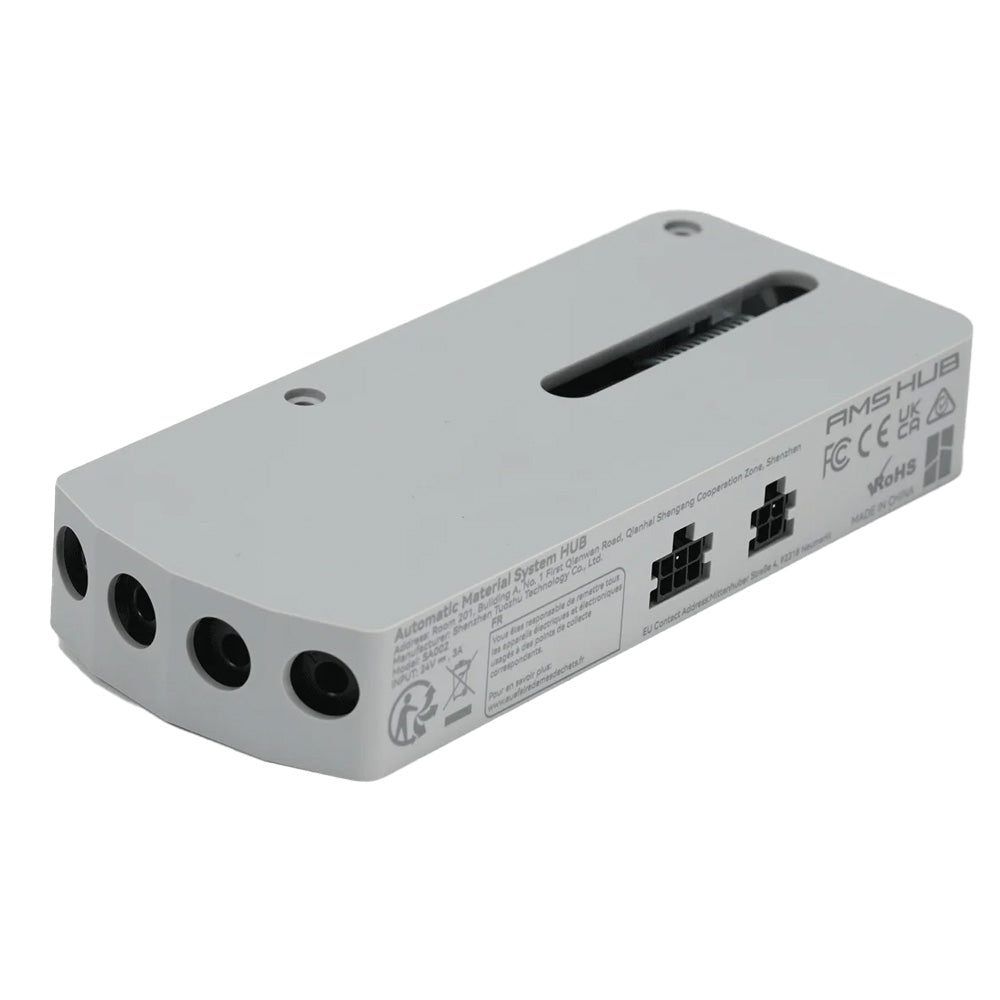
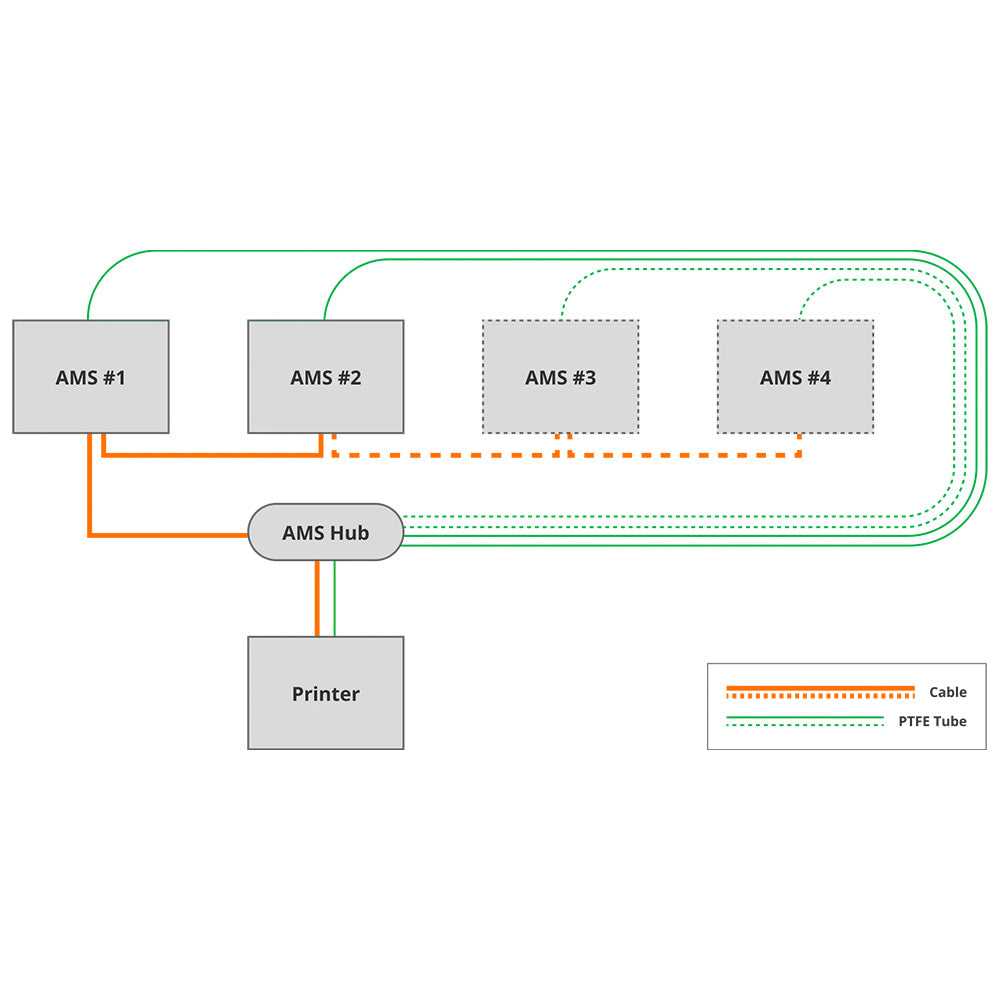
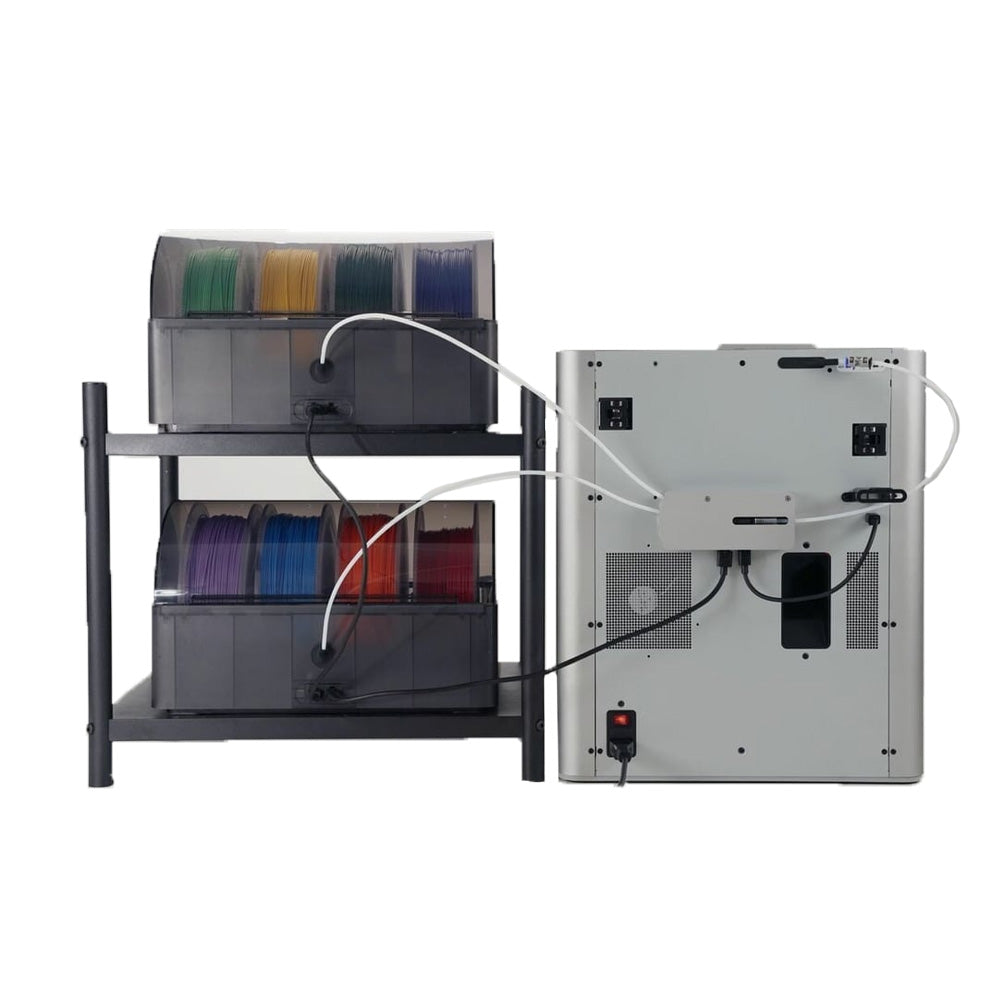
The AMS hub is used to increase the number of AMS connected to Bambu X1/P1 series printers from 1 AMS unit (4 channels) to a maximum of 4 AMS units (16 channels) to improve feed speed on your multiple AMS units and supports buffered signal redundancy.

*The image is for illustration purposes only, try to place the AMS on the left side of the AMS Hub during printing, otherwise the filament in the PTFE tube may get stuck.

Expand your AMS options
The printer's built-in buffer can only connect to 1 AMS. When replaced by the AMS Hub, the printer can connect up to 4 AMS.

Explanatory video
Installation
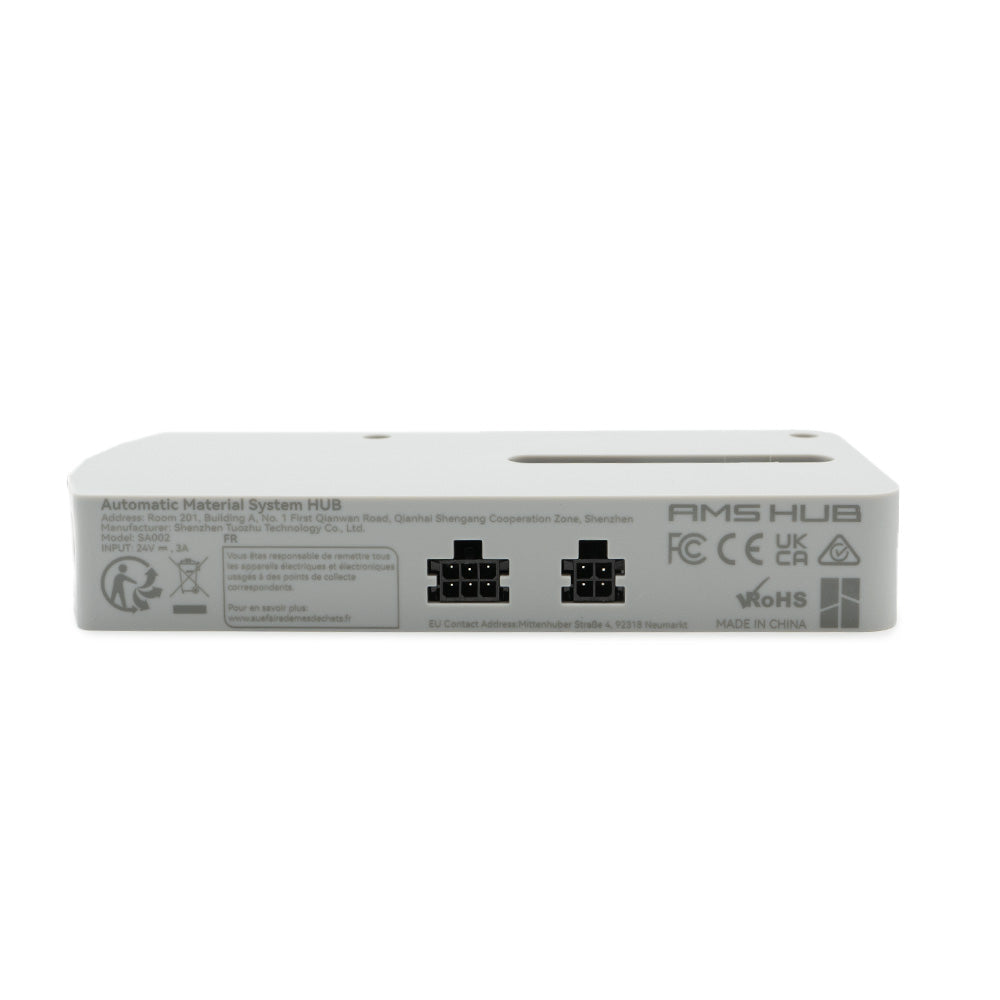
- Install the AMS hub at the back of the printer, replacing the filament buffer if you have one, and use the corresponding 4-pin Bambu cable to connect to the printer, use the 6-pin Bambu cable to connect to the first AMS, then continue using the 6-pin cable to connect the remaining AMS units in series.
- Use the corresponding PTFE tube to connect the AMS hub and the printer's PTFE connector, the tube should pass between the 4-pin socket and the spool holder to reduce resistance.
- Depending on the location of the AMS and the printer, you can choose the appropriate length of PTFE tube to connect the AMS and the AMS hub. The tube should be as short as possible and avoid coiling to reduce feeding resistance.
See our Wiki article:Connect AMS Hub and Multi-AMS
Multicolor/material printing
The AMS is sleek and reliable, making multicolor 3D printing accessible to everyone.
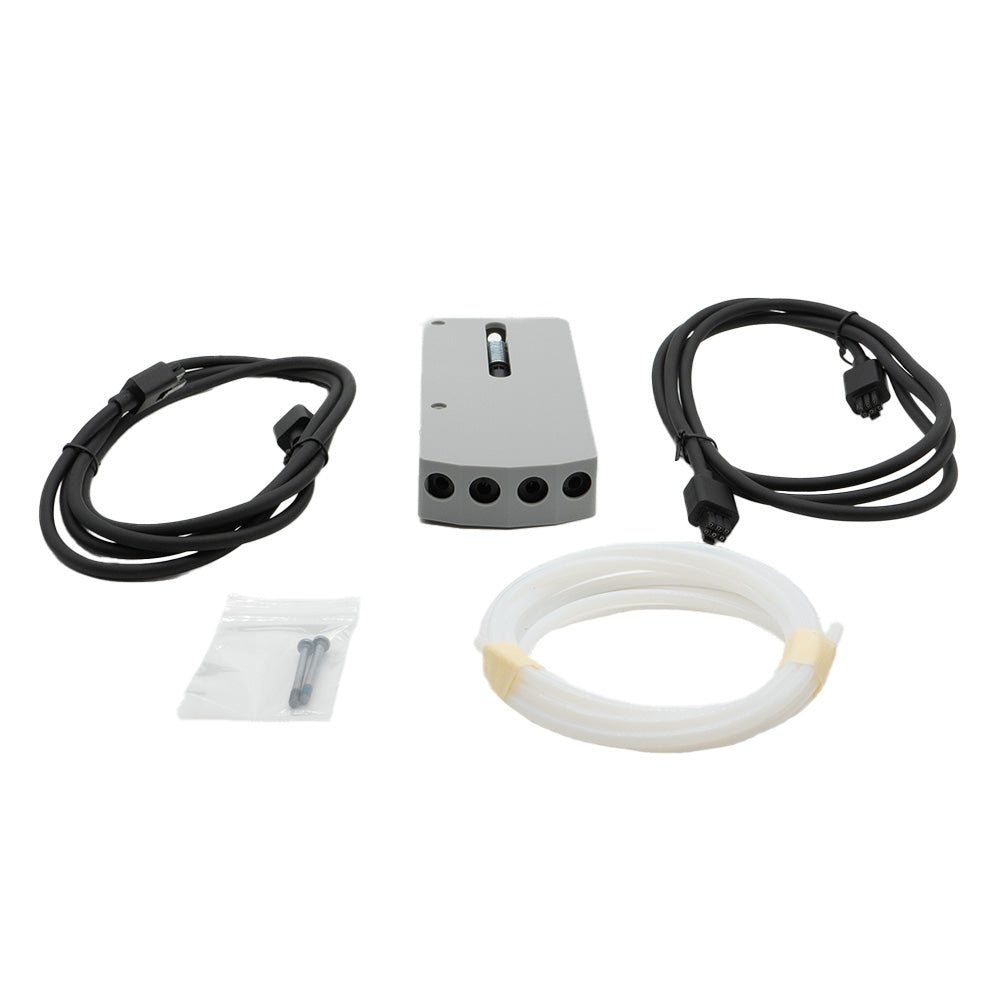
Included in the box
- 1x AMS Hub (HUB)
- 1x Bus cable - (2x)6 pins (1.5 m)
- 1x PTFE tube
- 2x M3*28 screws (x2)
TECHNICAL INFORMATION
| Product size | 140*60*22mm |
| Package size |
235*167*40mm
|
| Product weight | 84g |
| Gross weight | 321 g |
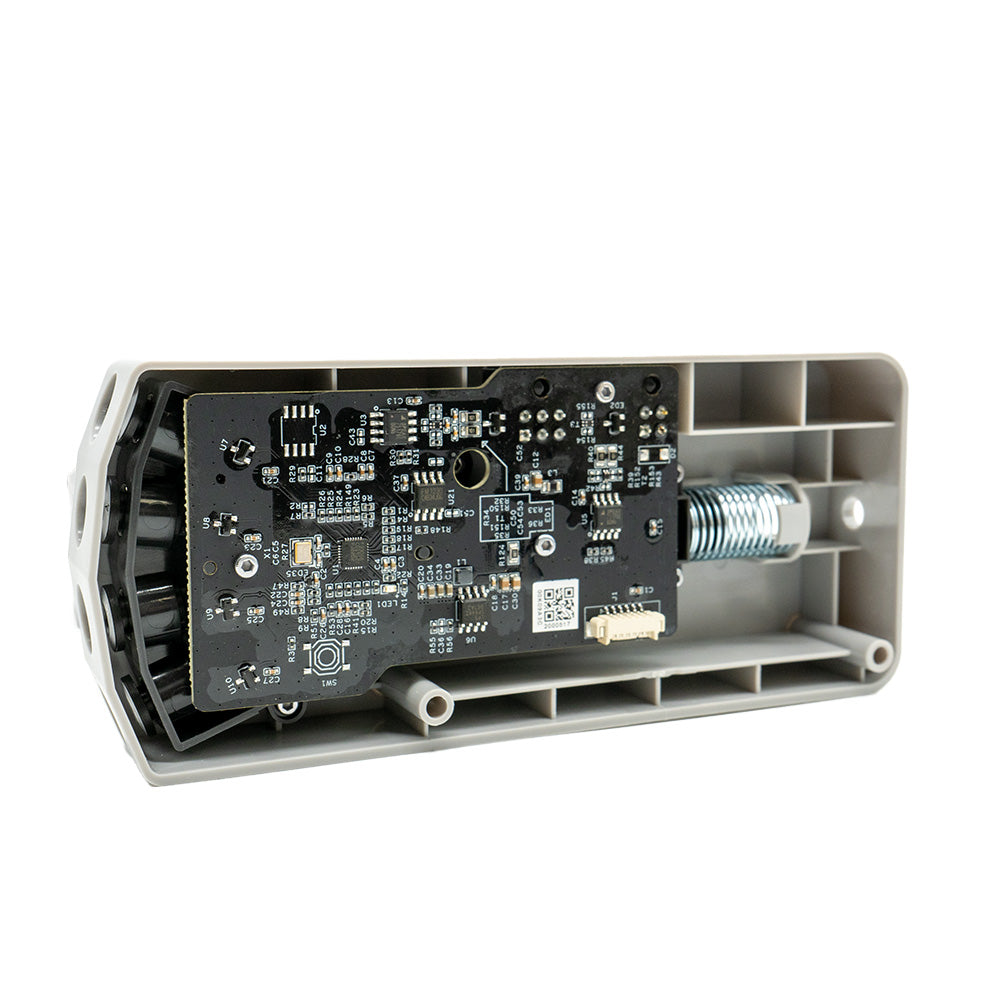
| Material | Plastic, metal, printed circuit board |
| Input | 24V 3A |
| Color | Gray |