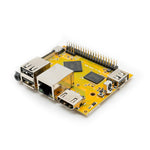


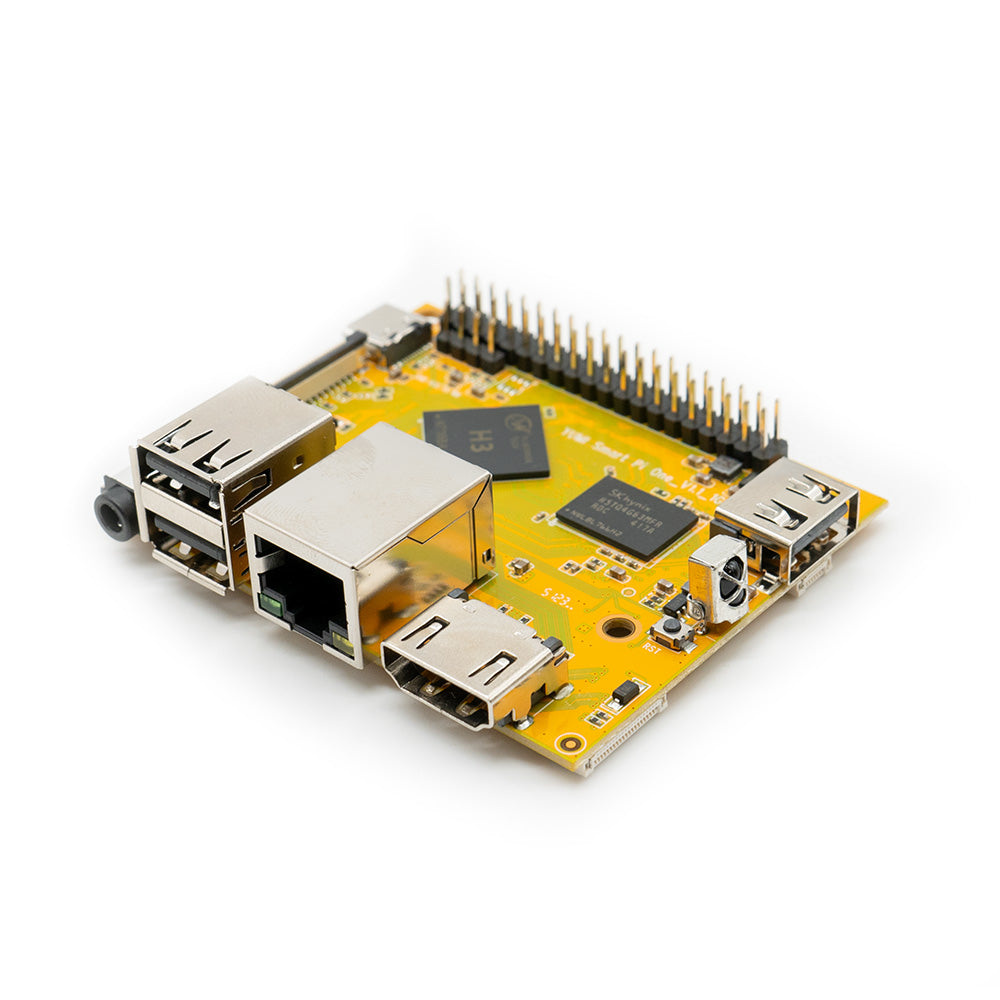
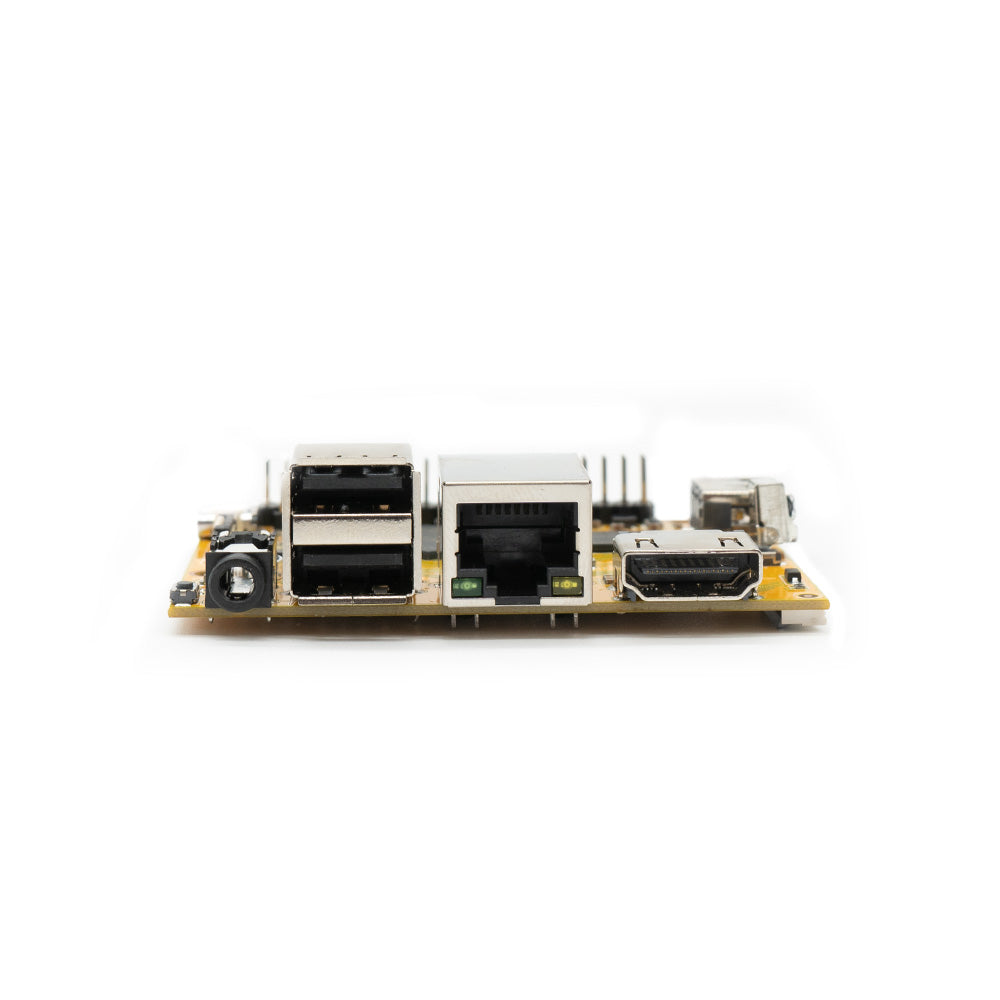
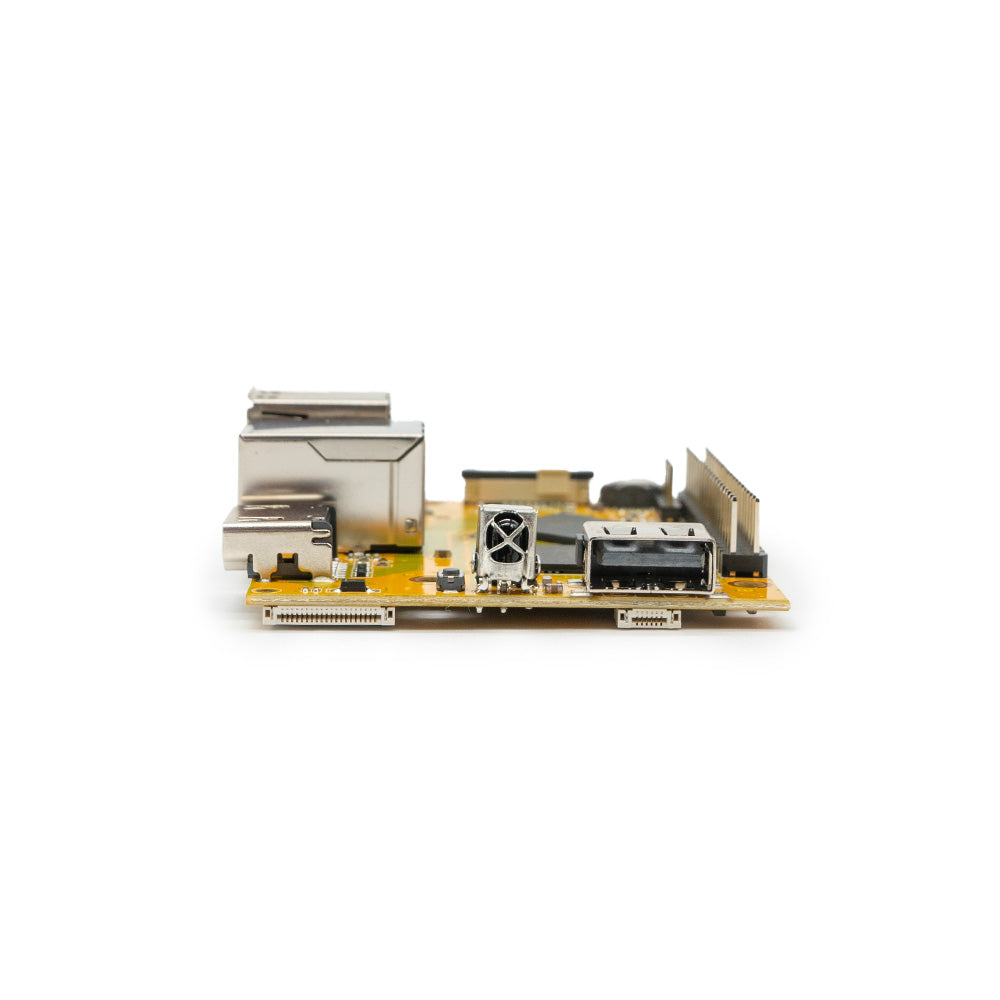
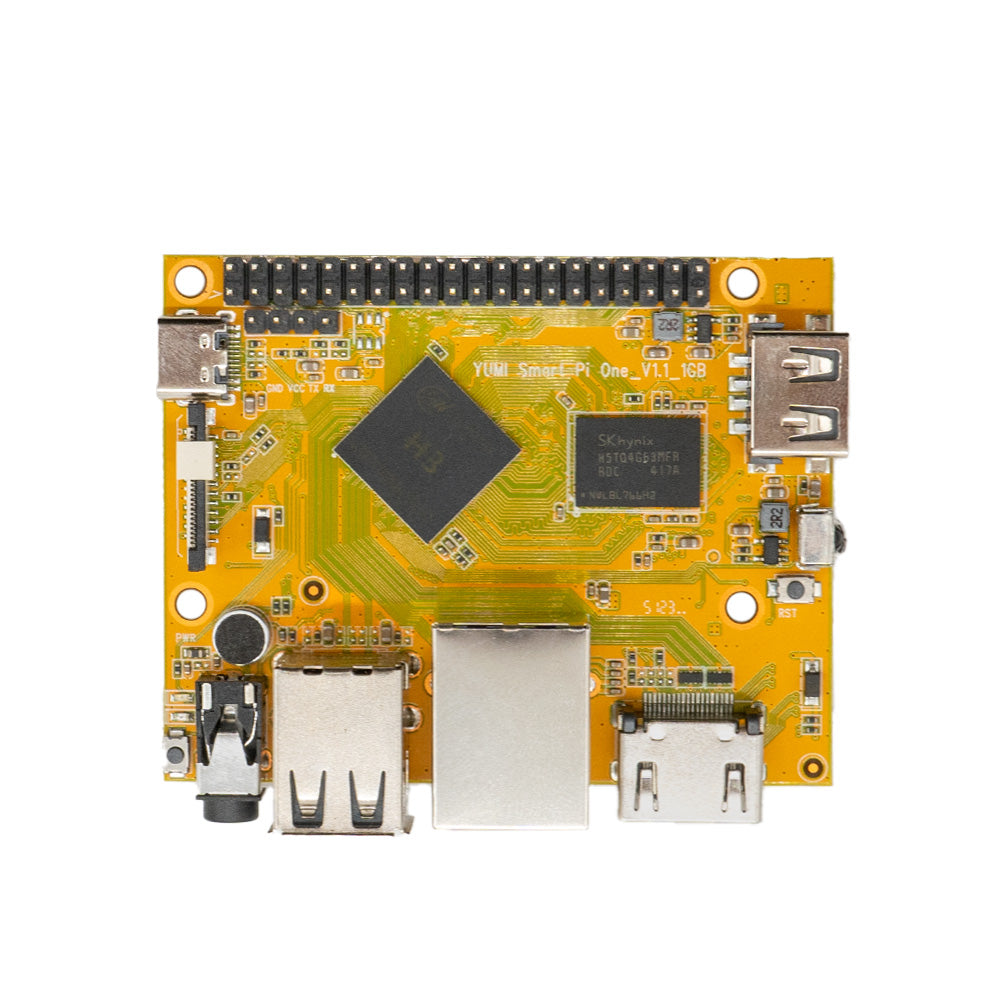
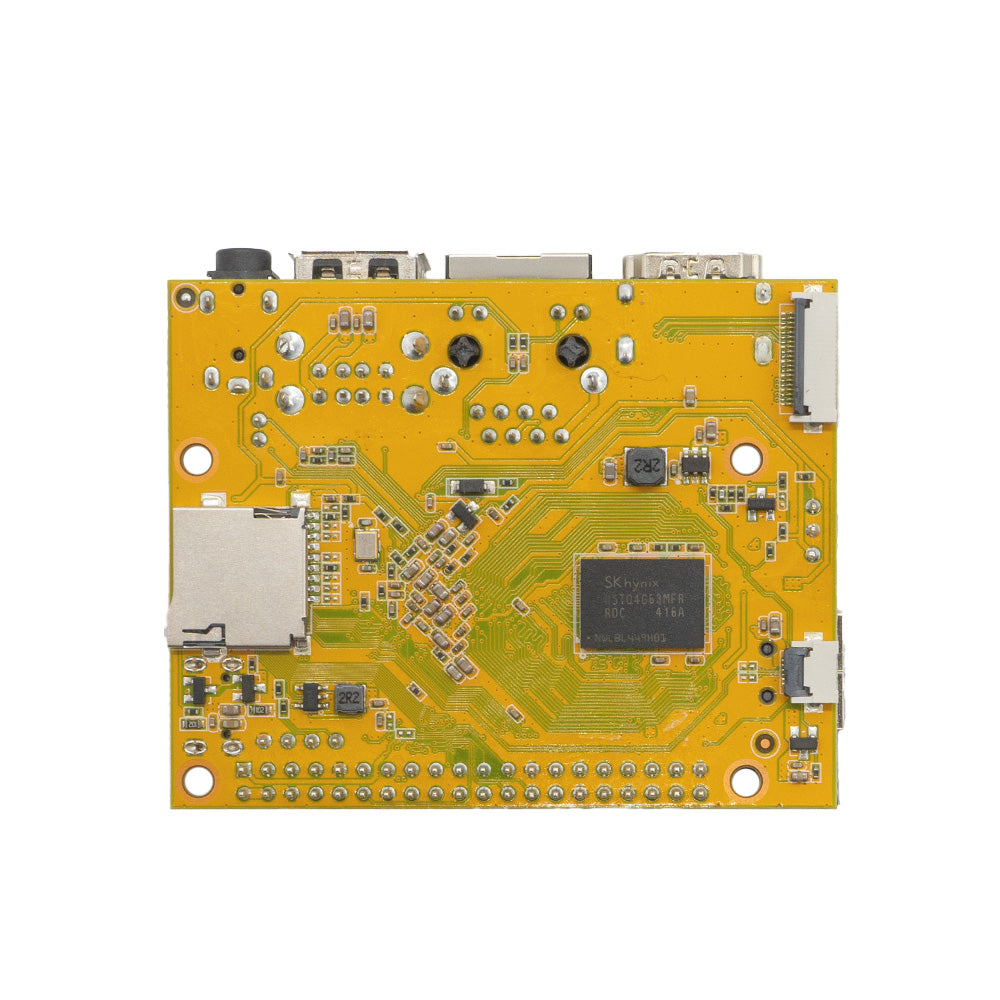
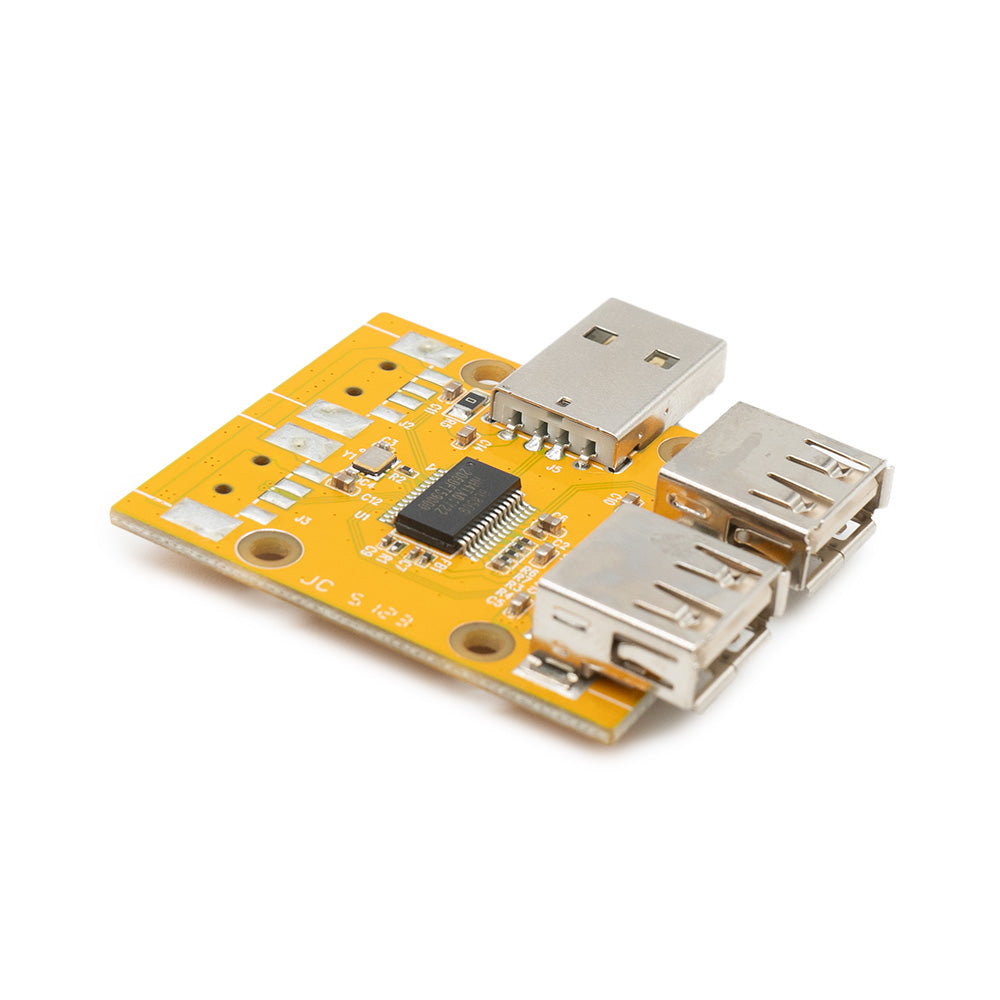
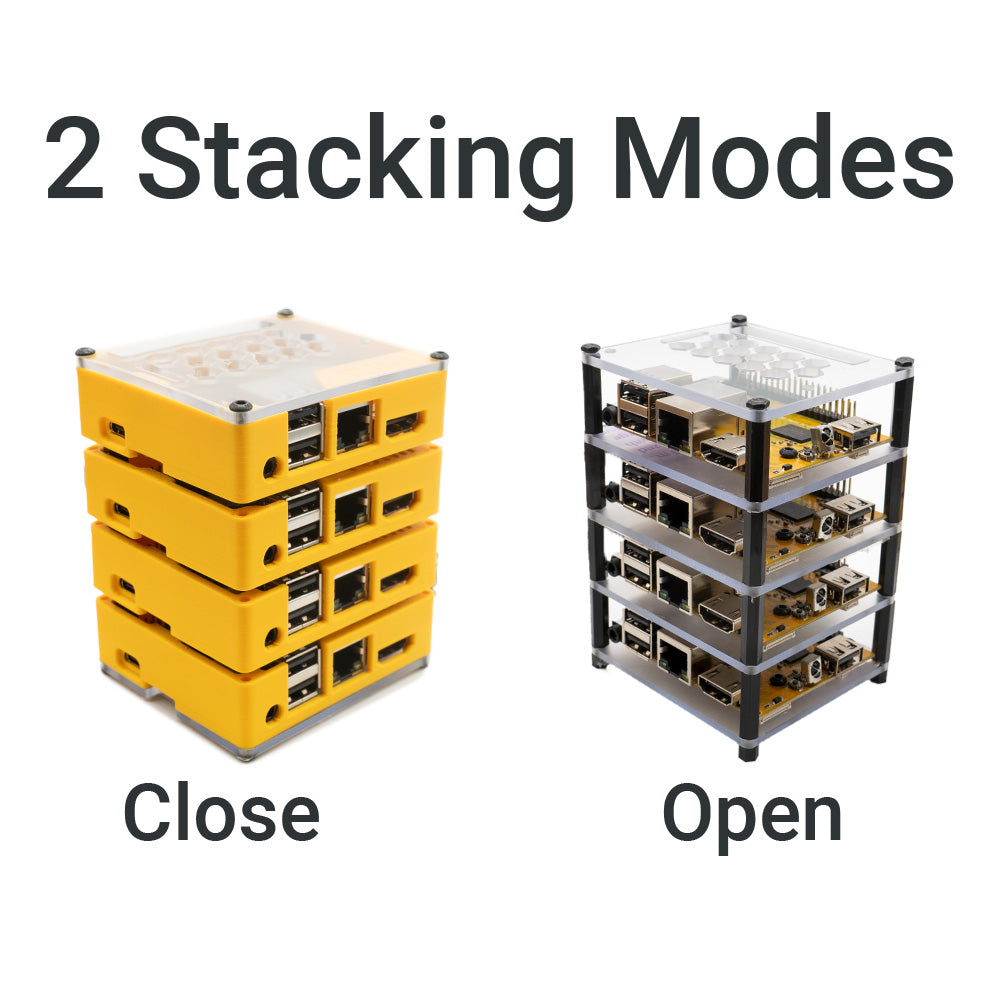


The YUMI SMART PI ONE 1G: A World of Possibilities for Every Passion
The YUMI SMART PI ONE 1G is a treasure of versatility and power for DIY enthusiasts of all kinds. With its ability to run Debian 12 (Armbian), this nano SBC opens the door to endless exciting projects. Here are some creative and practical ideas to fully harness the potential of your YUMI SMART PI ONE 1G:
Official documentation: https://wiki.yumi-lab.com
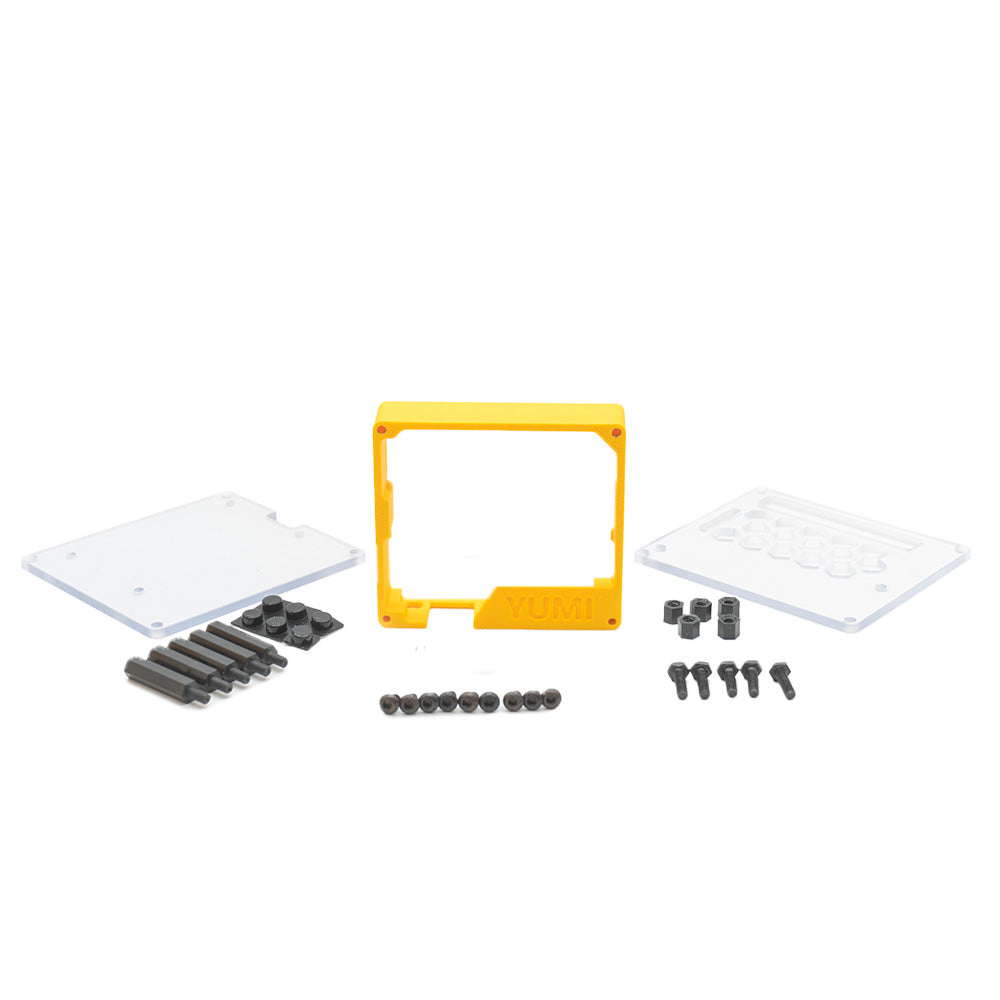
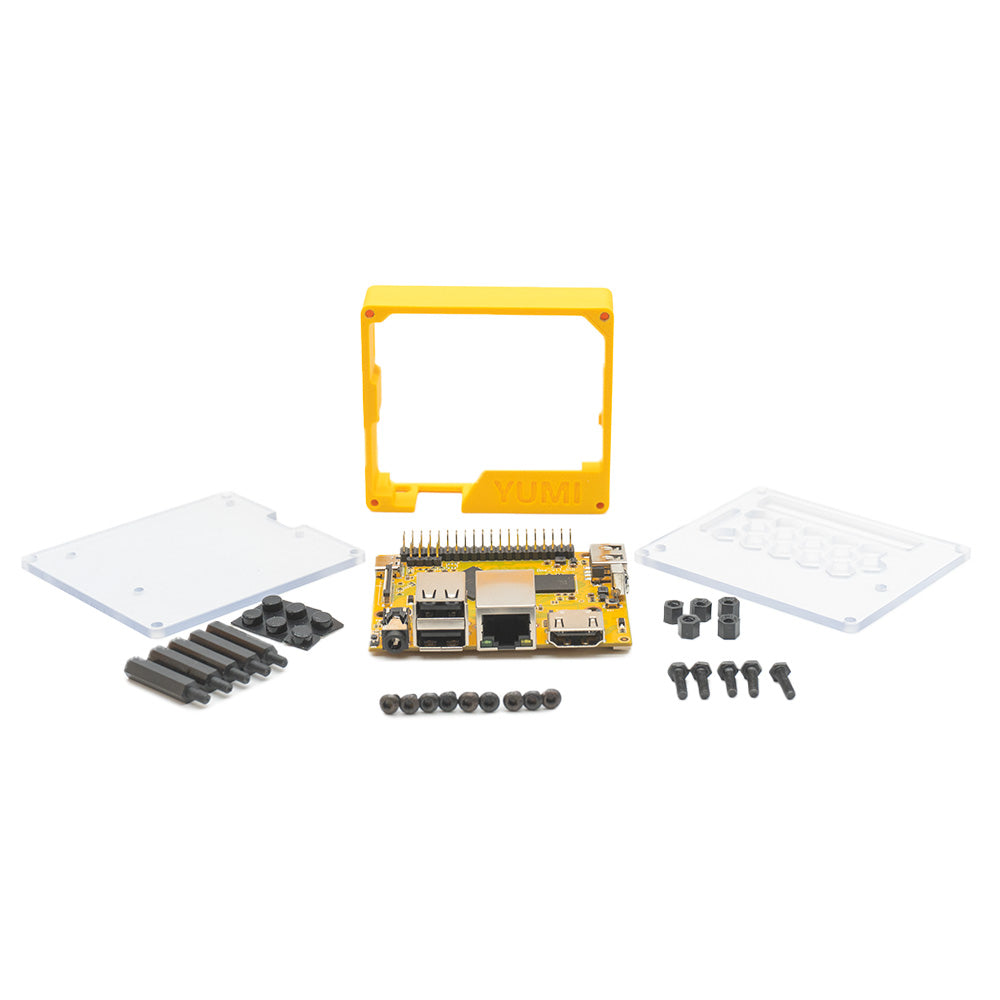
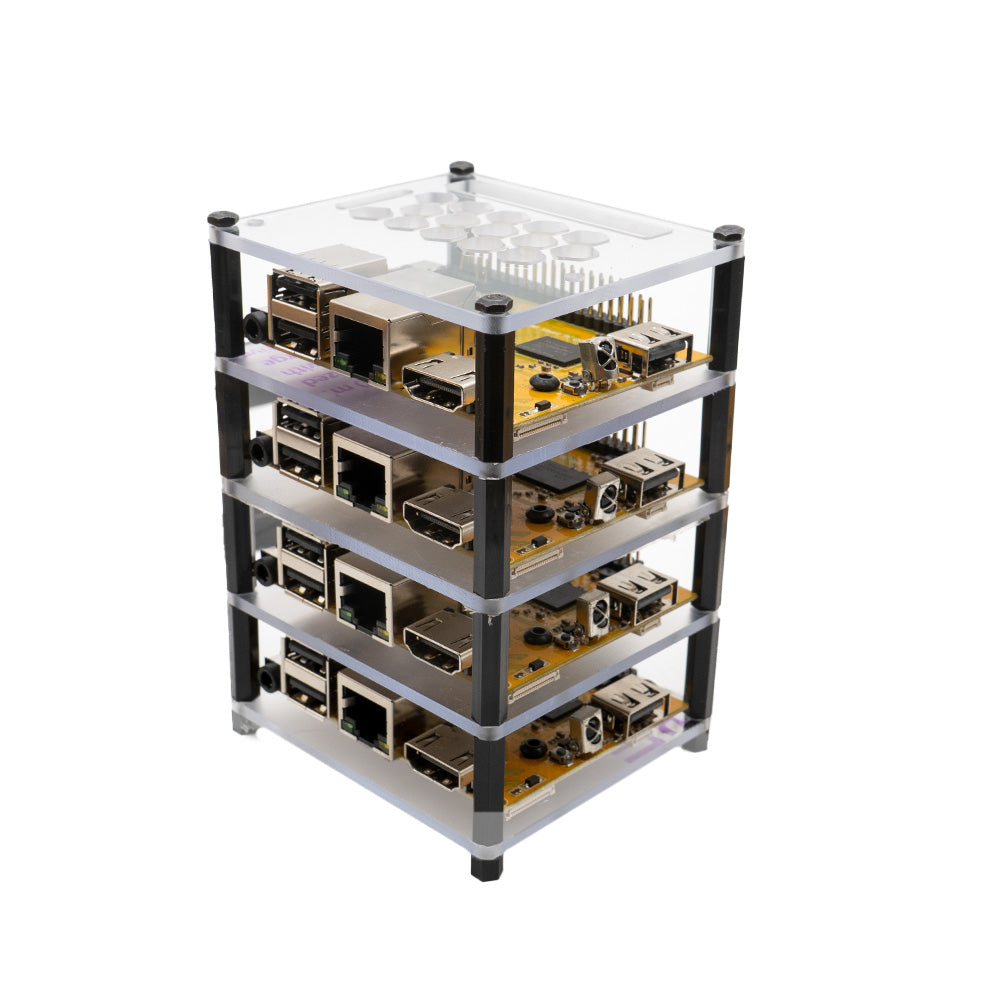
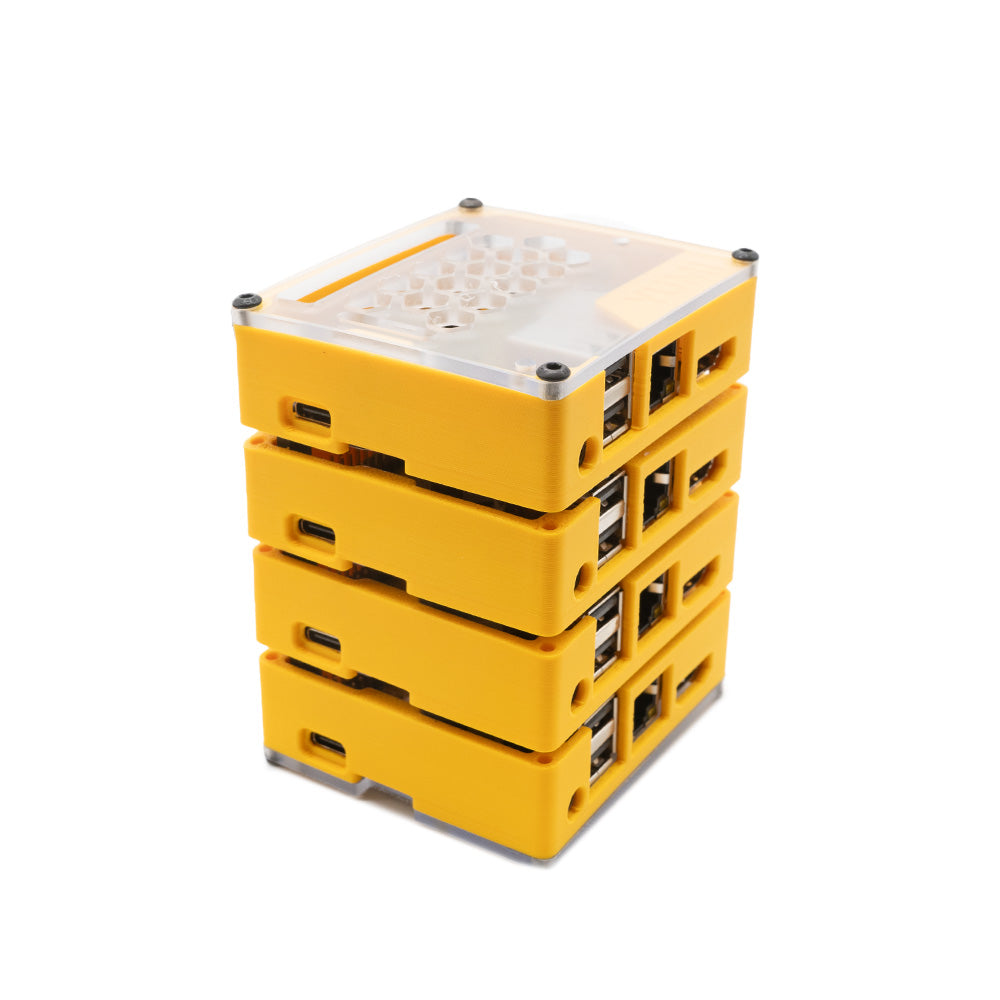
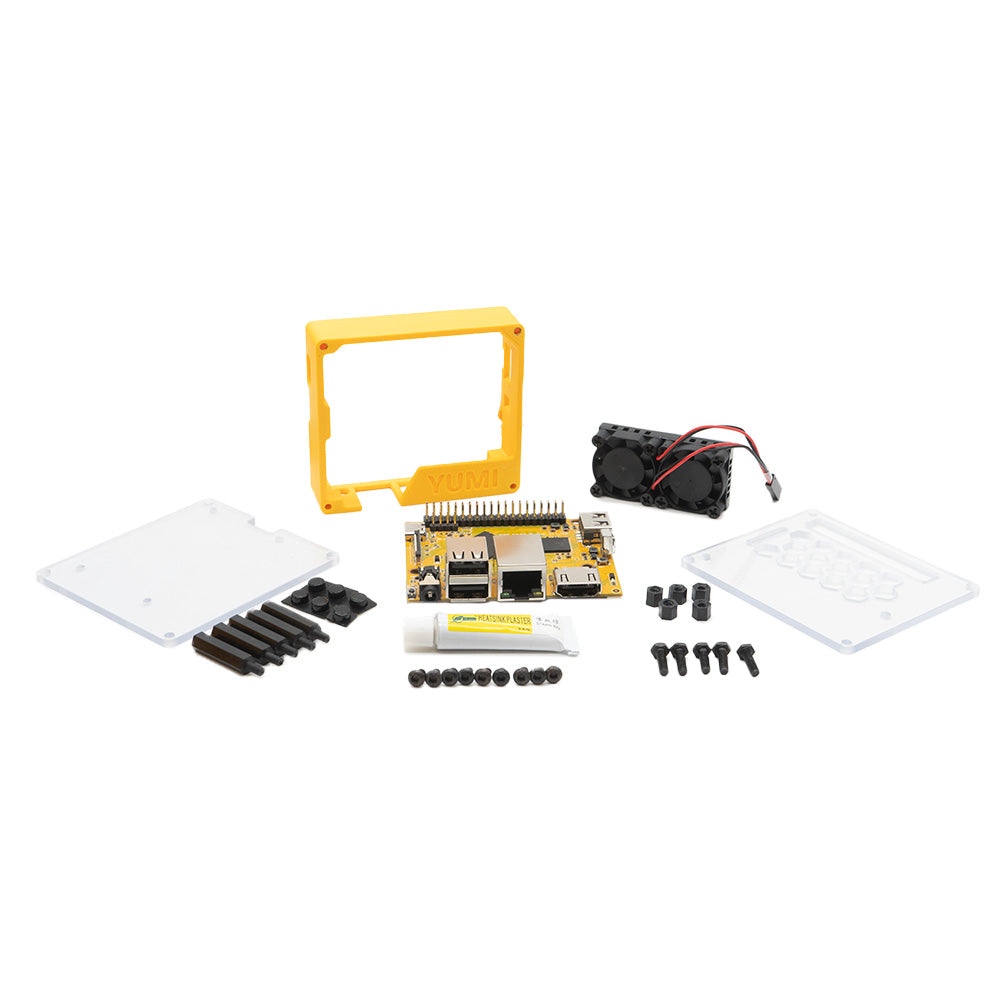
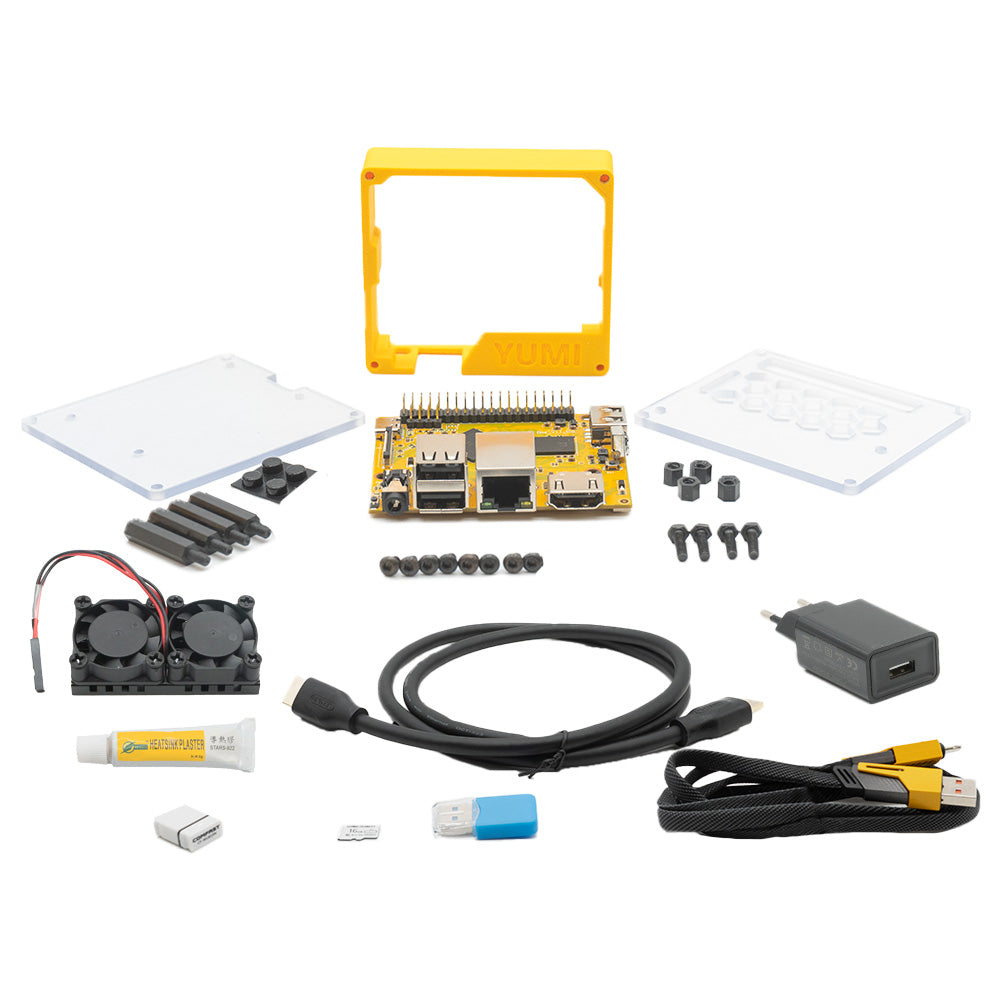
Case assembly instructions: here
-
Custom Retro Gaming Console: Turn the YUMI SMART PI ONE 1G into a retro gaming console. Relive classics from various generations of video games, from NES to PlayStation, all in one compact device.
-
Smart Home System: Create your own smart home system. Control lighting, temperature, security, and more directly from your smartphone or computer.
-
Personal NAS Server: Set up a network-attached storage (NAS) server to manage your personal files. Store, share, and access your data securely from anywhere.
-
DIY Weather Station: Use the YUMI SMART PI ONE 1G to collect and analyze weather data. Perfect for weather enthusiasts or educational projects.
-
Living Room Media Center: Turn it into a media center. Watch movies, listen to music, or browse the internet on your TV.
-
Web or Development Server: Ideal for developers, use the YUMI SMART PI ONE 1G as a local web server to test your websites and applications.
-
Robotics and Educational Projects: Perfect for learning programming and robotics, create robots or interactive projects to teach the basics of electronics and coding.
-
Home Surveillance System: Set up a surveillance system with connected cameras to enhance your home security.
-
Coding and Software Testing Workstation: Use it as a portable workstation for coding and software testing, especially in environments where space is limited.
-
DIY Voice Assistant: Create your own voice assistant to manage daily tasks or control other smart devices in your home.
- And any other amazing idea that comes to your mind...
The YUMI SMART PI ONE 1G is an exceptional platform that adapts to your passions and needs. Whether you are a video game enthusiast, a smart home DIYer, a software developer, or simply someone who loves experimenting with technology, there is always an exciting project to accomplish with this versatile and powerful nano computer. Let your imagination run wild and discover everything you can create with the YUMI SMART PI ONE 1G!
| Processor |
|
|
|
|
|
|
|
|
|
|
|
|
|
|
|
|
|
|
|
|
|
|
|
|
1 |
|
|
|
|
|
|
|
|
|
|
|
|
|
|
|
|
|
|
|
|
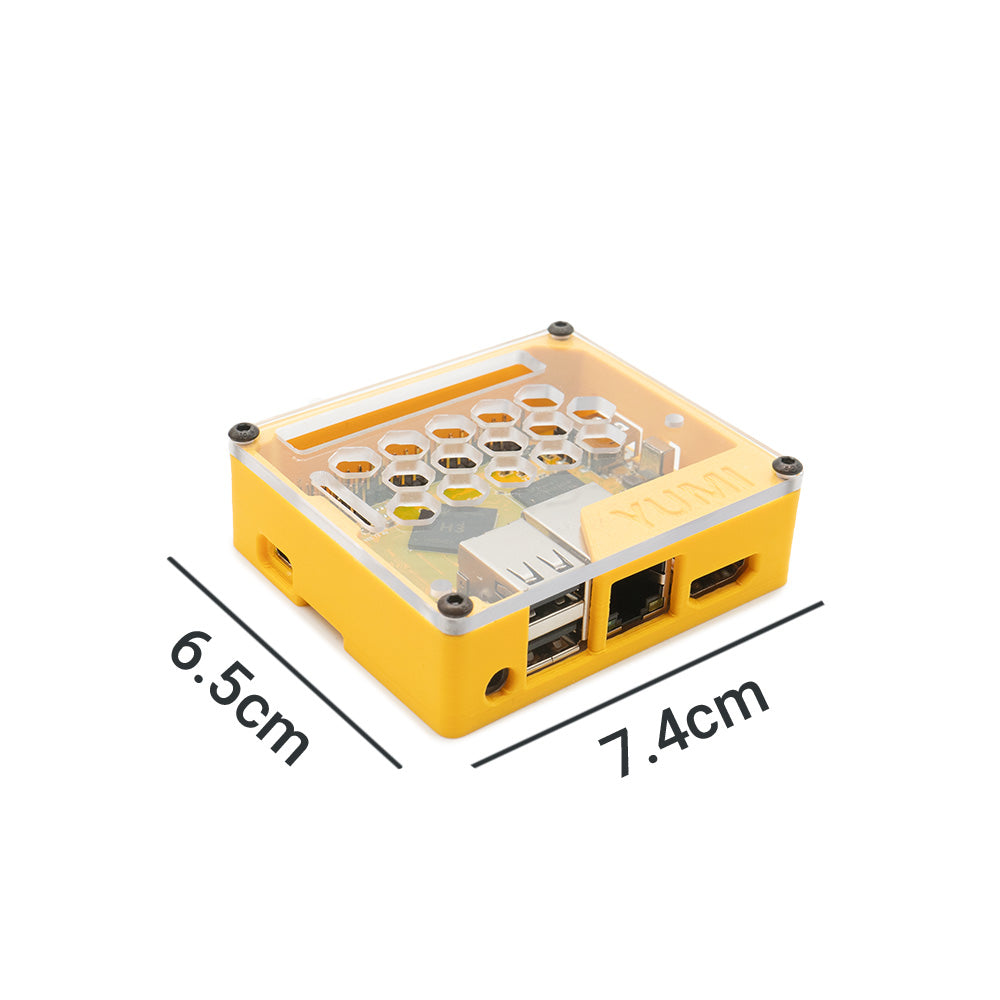
72 x 60.mm |
|
|
|
|
|
|
|
|
|
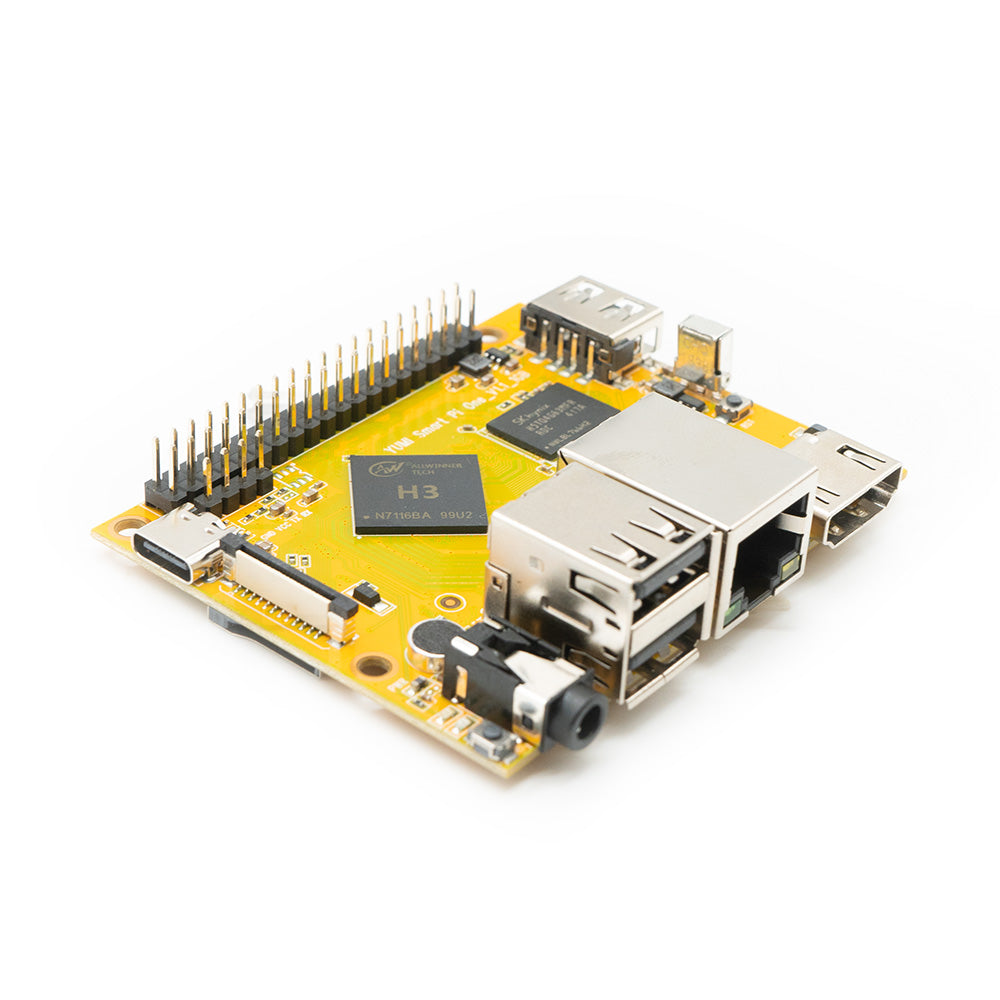
- GPIO Pins
| Pin# | Name | Linux gpio | Pin# | Name | Linux gpio |
| 1 | SYS_3.3V | 2 | VDD_5V | ||
| 3 | I2C0_SDA/GPIOA12 | 4 | VDD_5V | ||
| 5 | I2C0_SCL/GPIOA11 | 6 | GND | ||
| 7 | GPIOG11 | 203 | 8 | UART1_TX/GPIOG6 | 198 |
| 9 | GND | 10 | UART1_RX/GPIOG7 | 199 | |
| 11 | UART2_TX/GPIOA0 | 0 | 12 | GPIOA6 | 6 |
| 13 | UART2_RTS/GPIOA2 | 2 | 14 | GND | |
| 15 | UART2_CTS/GPIOA3 | 3 | 16 | UART1_RTS/GPIOG8 | 200 |
| 17 | SYS_3.3V | 18 | UART1_CTS/GPIOG9 | 201 | |
| 19 | SPI0_MOSI/GPIOC0 | 64 | 20 | GND | |
| 21 | SPI0_MISO/GPIOC1 | 65 | 22 | UART2_RX/GPIOA1 | 1 |
| 23 | SPI0_CLK/GPIOC2 | 66 | 24 | SPI0_CS/GPIOC3 | 67 |
| 25 | GND | 26 | SPDIF-OUT/GPIOA17 | 17 | |
| 27 | I2C1_SDA/GPIOA19/PCM0_CLK/I2S0_BCK | 19 | 28 | I2C1_SCL/GPIOA18/PCM0_SYNC/I2S0_LRCK | 18 |
| 29 | GPIOA20/PCM0_DOUT/I2S0_SDOUT | 20 | 30 | GND | |
| 31 | GPIOA21/PCM0_DIN/I2S0_SDIN | 21 | 32 | GPIOA7 | 7 |
| 33 | GPIOA8 | 8 | 34 | GND | |
| 35 | UART3_CTS/SPI1_MISO/GPIOA16 | 16 | 36 | UART3_TX/SPI1_CS/GPIOA13 | 13 |
| 37 | GPIOA9 | 9 | 38 | UART3_RTS/SPI1_MOSI/GPIOA15 | 15 |
| 39 | GND | 40 | UART3_RX/SPI1_CLK/GPIOA14 | 14 |
- Debug Port (UART0)
-
-
Pin# Name 1 GND 2 VDD_5V 3 UART_TXD0/GPIOA4 4 UART_RXD0/GPIOA5/PWM0
-
- DVP Camera IF Pin Spec
-
-
Pin# Name Description 1, 2 SYS_3.3V 3.3V power output, to camera modules 7,9,13,15,24 GND Ground, 0V 3 I2C2_SCL I2C Clock Signal 4 I2C2_SDA I2C Data Signal 5 GPIOE15 Regular GPIO, control signals output to camera modules 6 GPIOE14 Regular GPIO, control signals output to camera modules 8 MCLK Clock signals output to camera modules 10 NC Not Connected 11 VSYNC Vertical synchronization to CPU from camera modules 12 HREF/HSYNC HREF/HSYNC signal to CPU from camera modules 14 PCLK PCLK signal to CPU from camera modules 16-23 Data bit7-0 Data signals Different mounting modes

-